
12 Types of Diagrams and How to Choose the Right One
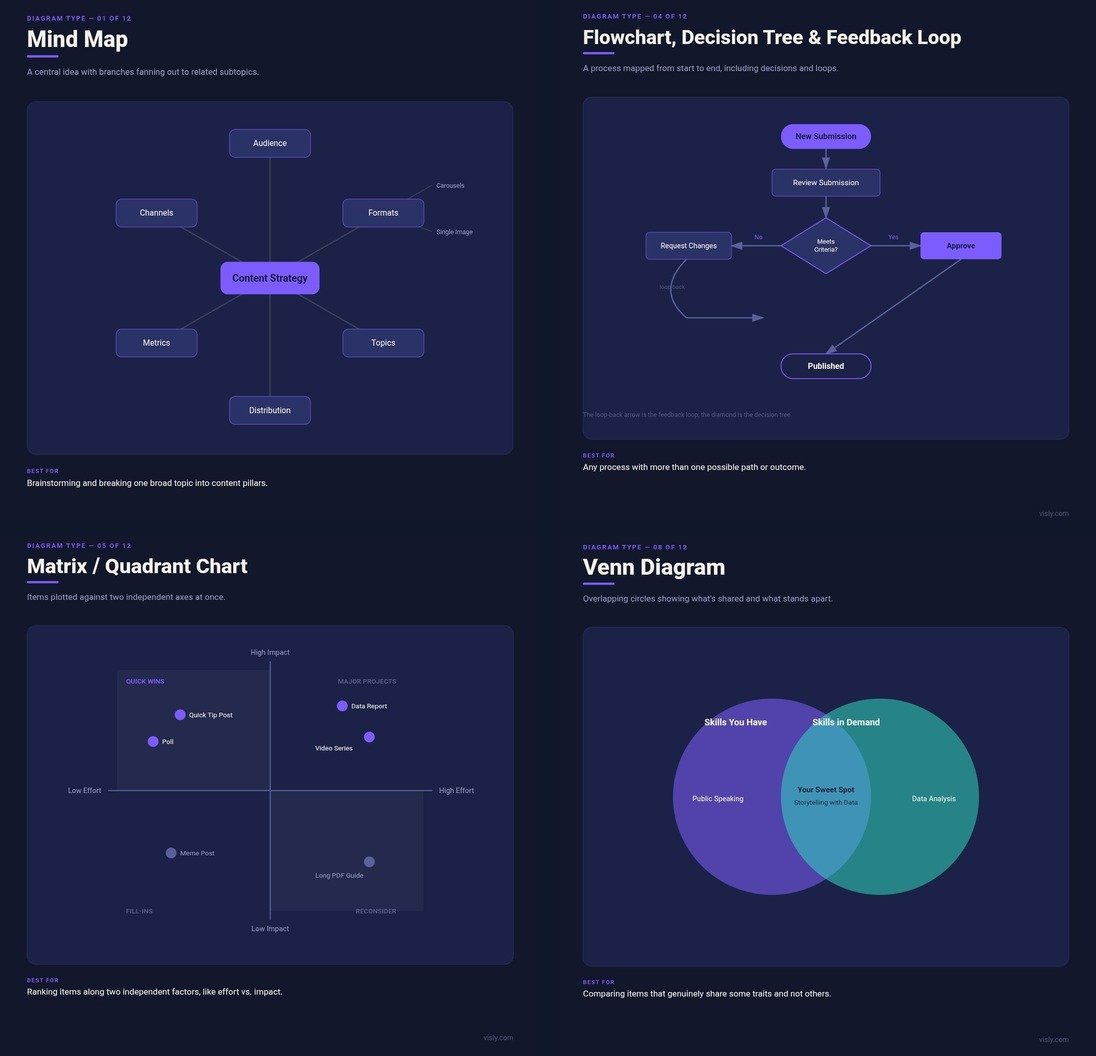
Most people pick a diagram type the same way they pick a parking spot: whichever one is closest and already familiar. Got a process to explain? Flowchart. Got a comparison to make? Venn diagram, probably, even when the two things barely overlap.
The problem shows up later, when the diagram gets read. A flowchart forces a process into boxes and arrows even when nothing about it is actually sequential. A Venn diagram implies overlap between two things that are really just different, and the reader spends more energy decoding the shape than absorbing the point. The wrong diagram doesn't just look a little off. It actively works against the information sitting inside it.
This guide covers the 12 diagram types that come up constantly in business and content work, going deeper into each one than a typical overview: what it's actually built to show, where the format comes from, and, more usefully, when it's the wrong choice even though it might feel like the obvious one.
What a Diagram Actually Is (and Isn't)
A diagram shows structure: how parts relate, connect, rank, or flow into each other. A chart or graph, by contrast, shows quantitative data: values plotted against axes, bars measured against a scale, slices sized to a percentage.
The line blurs constantly in practice. A Gantt chart plots tasks against a time axis, which makes it part diagram and part chart. A pyramid chart can rank concepts with no numbers attached at all, which makes it a diagram wearing a chart's name. For the purposes of this guide, the distinction that matters is simpler: if replacing every shape with a number would still make sense, it's probably a chart. If the relationship between the parts is the actual content, meaning the diagram would fall apart without its shapes and connections, it's a diagram.
Why the Diagram Type Matters More on LinkedIn Than in a Report
A diagram in a PDF report gets studied. A reader who's already committed to the document will sit with a confusing chart for thirty seconds and work it out.
A diagram on a LinkedIn feed gets a glance, and the glance has to resolve almost instantly or the scroll continues. A dense org chart with fourteen boxes might be completely appropriate in an internal slide deck and completely wrong as a LinkedIn graphic, purely because nobody scrolling past is going to stop and trace fourteen reporting lines on a phone screen.
The diagram types that travel best on LinkedIn tend to share three traits: a single obvious entry point for the eye, five or fewer major elements, and a structure recognizable in about a second, before anyone has read a single label. Several of the 12 types below meet that bar easily. A few basically never do, and it's worth knowing which is which before building one.
The 12 Types of Diagrams
1. Mind Map
A mind map starts with one central idea and lets subtopics branch outward from it, often branching again into further sub-points. The layout carries meaning: distance from the center roughly signals how directly an idea relates to the core topic, and direction (up, down, left, right) implies nothing about order or importance. That's what separates a mind map from almost every other diagram on this list.
Mind maps work best for open-ended thinking: breaking one broad subject into its component parts, planning a content calendar around a handful of pillars, or laying out everything you know about a topic before deciding what to prioritize. A close cousin, the network map, uses the same radiating structure but plots people instead of topics, with branches representing relationships rather than subtopics.
The mistake people make most often is treating a mind map like a process. Because the branches fan out visually, it's tempting to read some kind of progression into them: left branch happens before right branch, top before bottom. It doesn't work that way, and forcing a sequential idea into a mind map leaves the reader guessing at an order that was never actually encoded in the shape. If the relationships between branches also need their own explanation, this idea causes that one, this one depends on that one, a concept map, which labels each connecting line, does that job better than a mind map ever will.
On LinkedIn, mind maps show up constantly as "5 pillars of [topic]" or "everything I learned about [subject] this year" posts, radiating out from a niche or a lesson at the center.
2. Circle Diagram
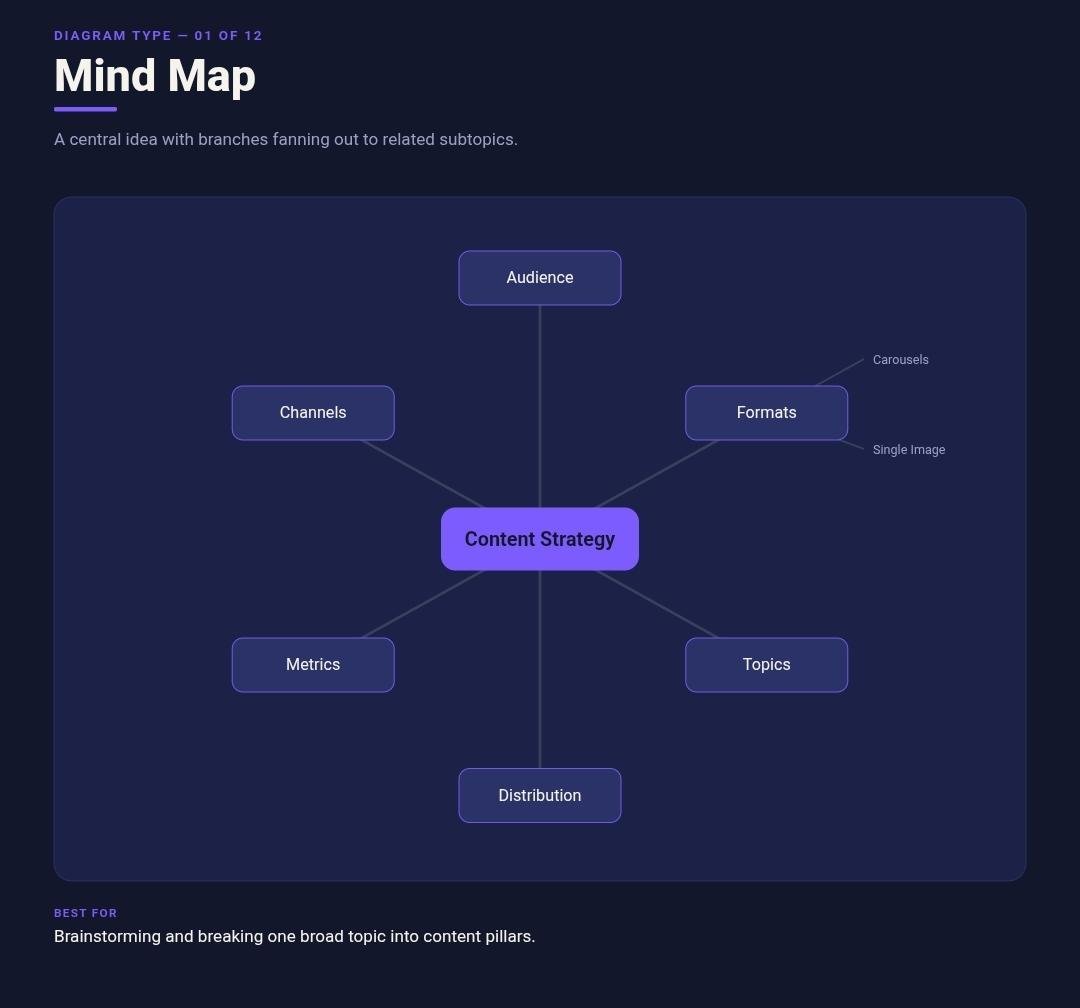
A circle diagram groups categories using the geometry of a circle rather than boxes and lines, in one of two ways. Concentric circles, rings nested inside each other, show containment or hierarchy: a person inside a neighborhood, inside a city, inside a state. Items arranged around the outer edge of a single circle, by contrast, show categories that belong to one whole but carry no inherent rank against each other.
That second version solves a specific problem: how do you show five or six equal-weight components of a system without one of them visually outranking the others, the way a top-to-bottom list or a pyramid would? A circular arrangement spreads everything at the same visual distance from the center, so nothing reads as more important by position alone.
That strength becomes the diagram's weakness the moment one item actually does matter more than the rest. Circles resist hierarchy by design, so cramming a genuinely unequal set of ideas into a ring layout hides the imbalance instead of communicating it. If rank matters, a pyramid or a simple ordered list will say so more honestly than a circle ever could.
On LinkedIn, this shows up as "the 6 components of a strong personal brand" or similar framework posts, where the whole point is that no single piece is more important than the others.
3. Tree Diagram (Dendrogram)
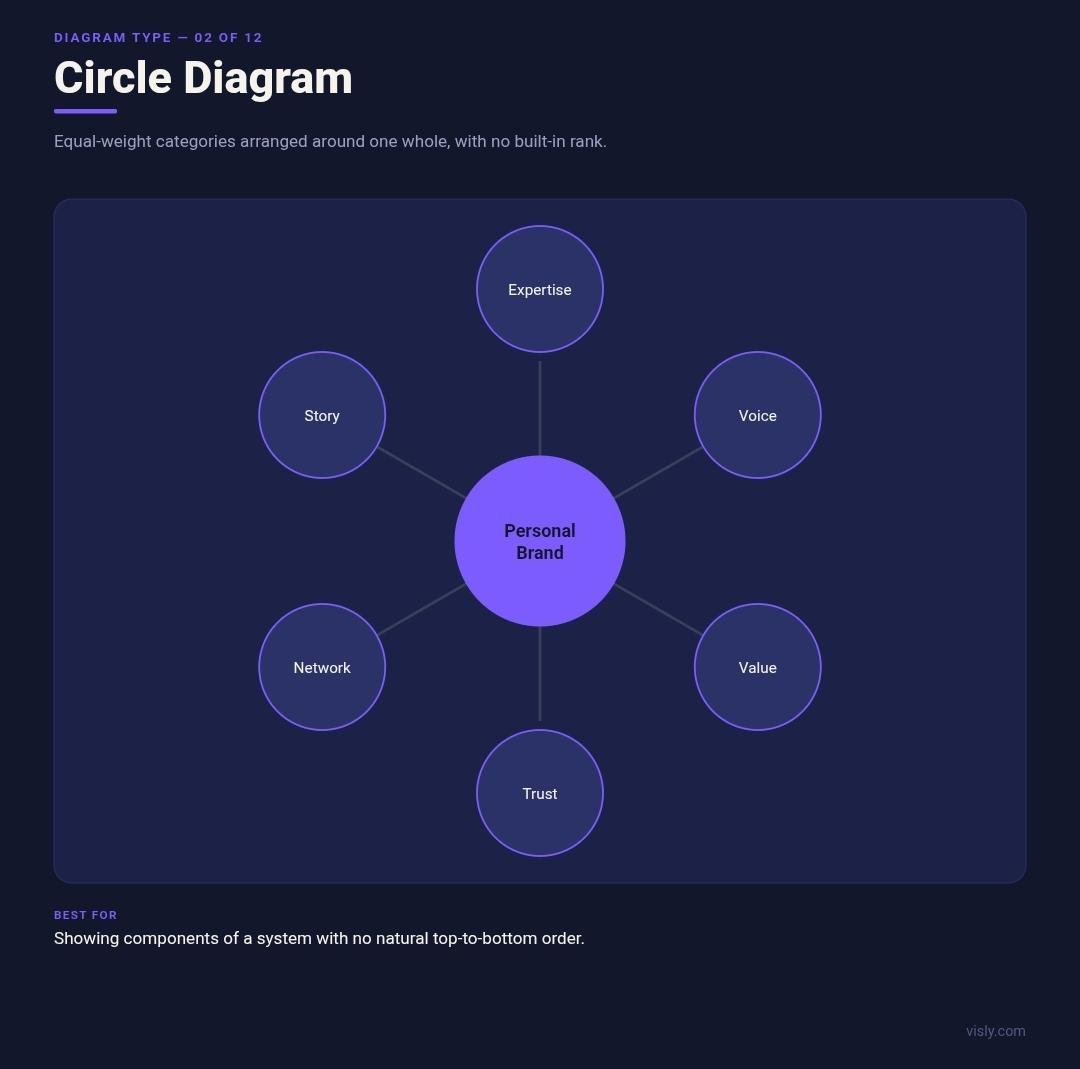
A tree diagram connects nodes in ranked, branching order, typically with a single parent node at the top (or left) and child nodes extending below (or to the right). Unlike a mind map, position in a tree diagram carries rank as well as proximity: a node's place tells the reader exactly where it sits in the hierarchy.
This structure shows up under different names depending on the field. In biology, a tree diagram tracking evolutionary relationships is a phylogenetic tree. In genealogy, the same branching logic becomes a family tree or a genogram. In organizational contexts, it becomes the org chart covered further down this list. All three are dendrograms wearing different labels, which helps clarify when a tree diagram is actually the right call: whenever the relationship is genuinely, unambiguously hierarchical, with clear parent-child pairs at every level.
The mistake worth watching for is applying that same branching structure to information that only feels hierarchical. Five product features grouped under two headings can get dressed up as a tree diagram, but if those five features don't actually have a reporting or containment relationship to each other, the tree implies a structure that isn't real. A simple grouped list communicates the same information without the false authority of a hierarchy.
On LinkedIn, tree diagrams work well for breaking one skill into its sub-skills, and those into further specifics: a "career skill tree" format that's become fairly common in professional development content.
4. Flowchart, Decision Tree, and Feedback Loop
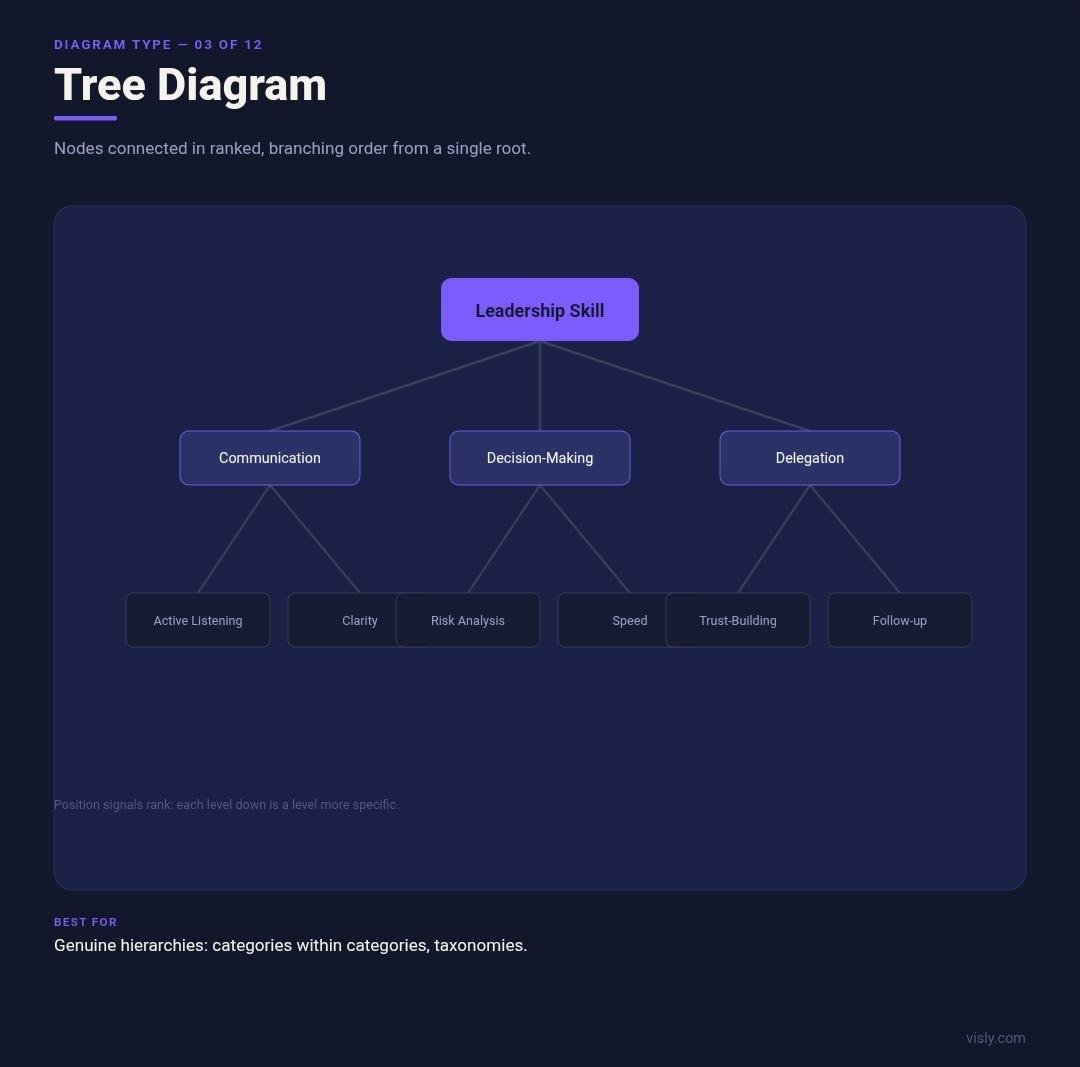
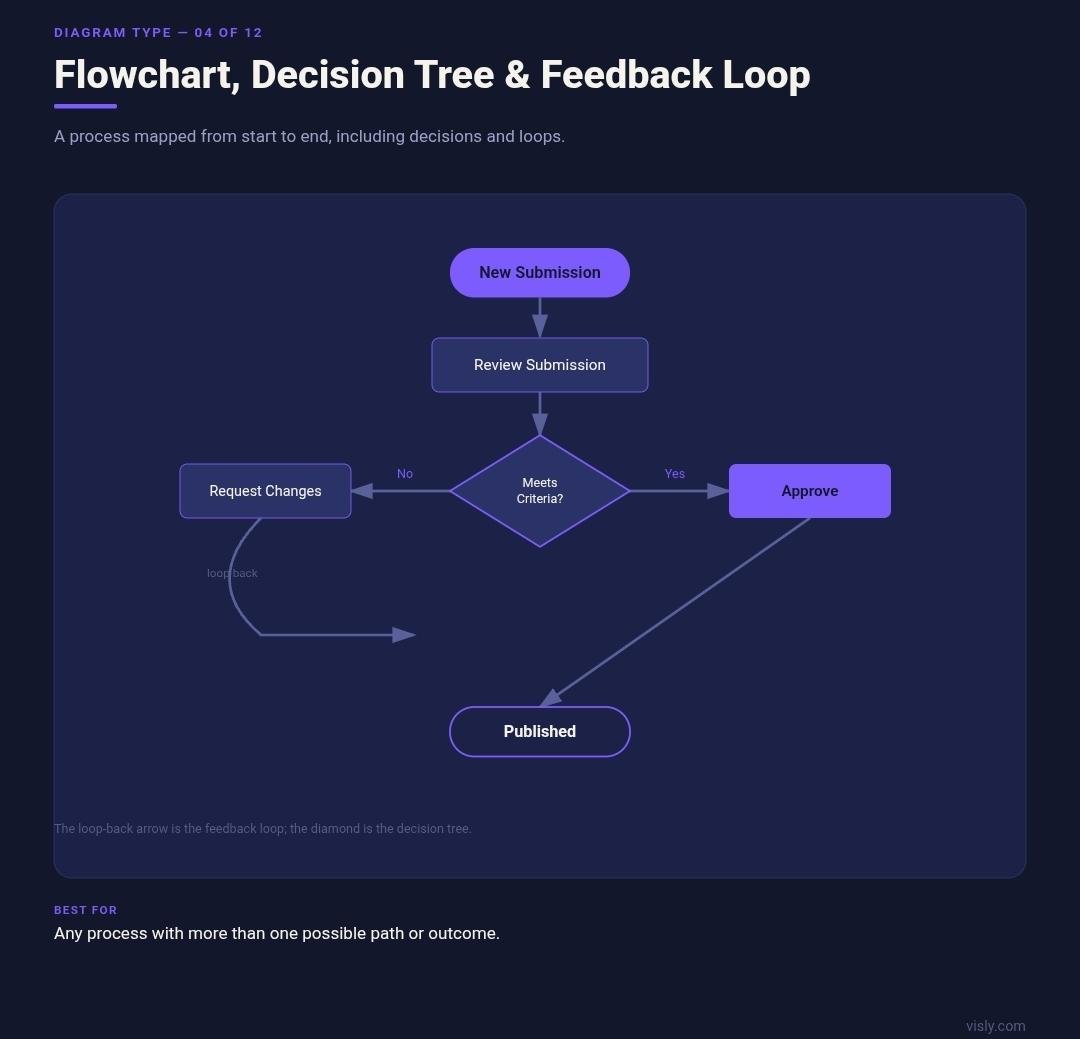
A flowchart maps a process from a defined start to a defined end, using shapes, usually rectangles for actions and diamonds for decisions, connected by arrows that show which step leads to which. It's the most flexible diagram on this list because it's the only one built to handle branching: a single process can split into multiple paths and stay legible, as long as the branches are kept to a reasonable number.
Two important variants live inside this category. A decision tree is a flowchart narrowed around a single starting choice, branching out into every possible consequence of that choice, useful for walking someone through a specific decision (build or buy, hire or outsource) rather than a full operational process. A feedback loop is a flowchart that curves back on itself, showing a cycle rather than a one-way path; convention places the starting point in the upper left corner, or wherever the "12" would sit on a clock face, so a reader's eye can follow the loop the same way every time.
The most common flowchart mistake is using one for a process that has no actual branches. A single-path sequence, do this, then this, then this, is better served by a numbered list than by decision diamonds and connecting logic. A list reads faster and doesn't ask the viewer to trace a path that was never actually going to fork.
On LinkedIn, flowcharts work well for "what happens when a lead fills out our form," including the branch where they don't qualify, while decision trees suit a tighter "should you do X or Y" post reduced to two or three real branching questions.
5. Matrix or Quadrant Chart
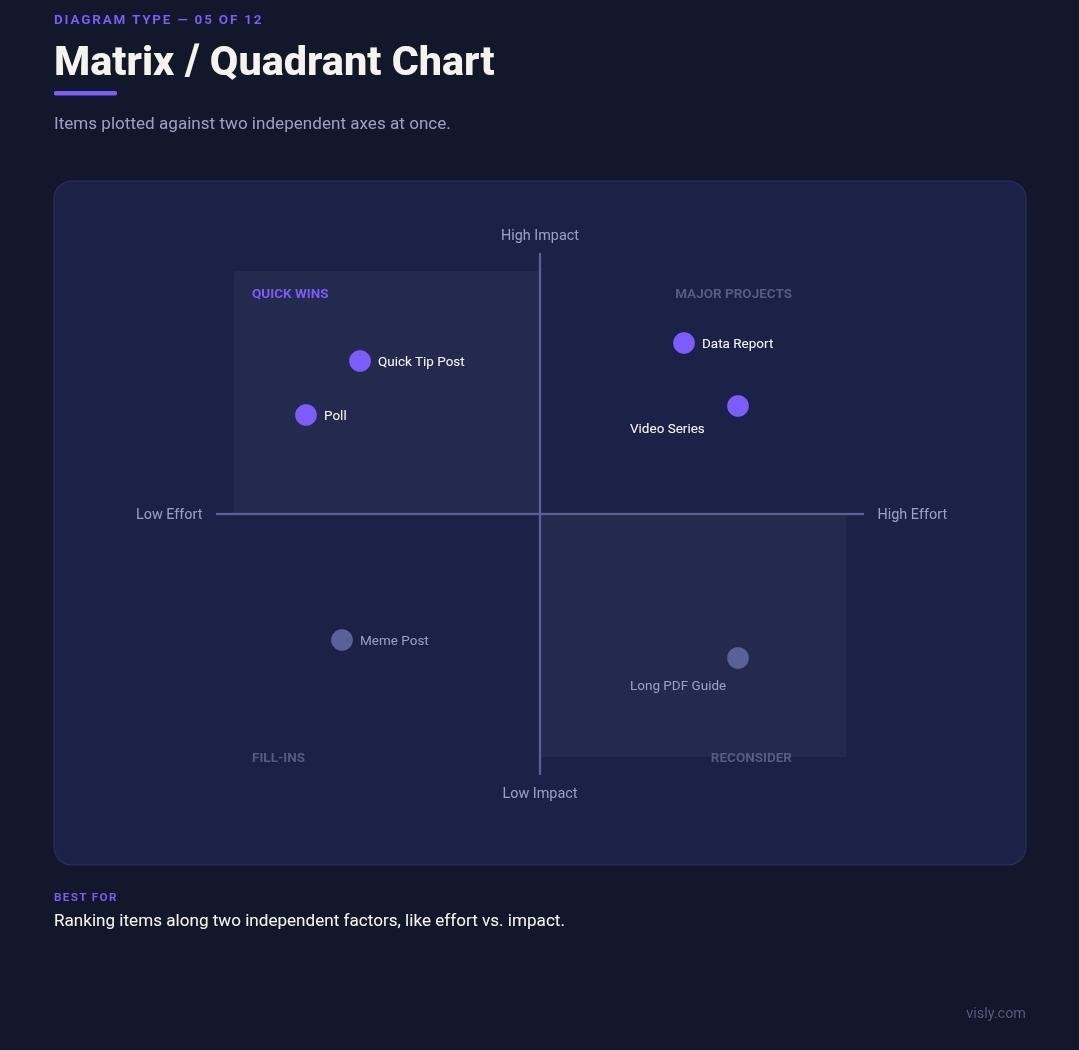
A matrix chart plots items against two independent axes at once, splitting everything into four quadrants. The two axes don't need to be numeric; they just need to represent two separate spectrums that both matter to the decision being made.
This format earns its complexity when both axes genuinely carry independent information. The Eisenhower Decision Matrix plots urgency against importance to sort a task list into four kinds of action. Product and project teams commonly plot potential impact against effort required, to figure out which ideas are worth pursuing first. Analyst firms use the same four-box logic (Gartner's Magic Quadrant is the best-known example) to compare companies across two dimensions of competitive strength at once.
The failure mode is a second axis that doesn't actually add anything. If only one factor really determines where something belongs, forcing a second axis onto the chart just to fill out the quadrant shape adds a variable nobody was actually weighing. The chart usually resolves into two crowded quadrants and two nearly empty ones, a sign the second axis wasn't doing real work in the first place.
SWOT diagrams, covered on their own below, are technically a fixed-axis special case of the quadrant chart: the two spectrums are set in advance (internal versus external, helpful versus harmful) rather than chosen fresh for each use.
On LinkedIn, a matrix works well for plotting content ideas by effort to produce against expected engagement, turning a prioritization call into something a reader can absorb in a glance.
6. Funnel Chart and Customer Journey Map
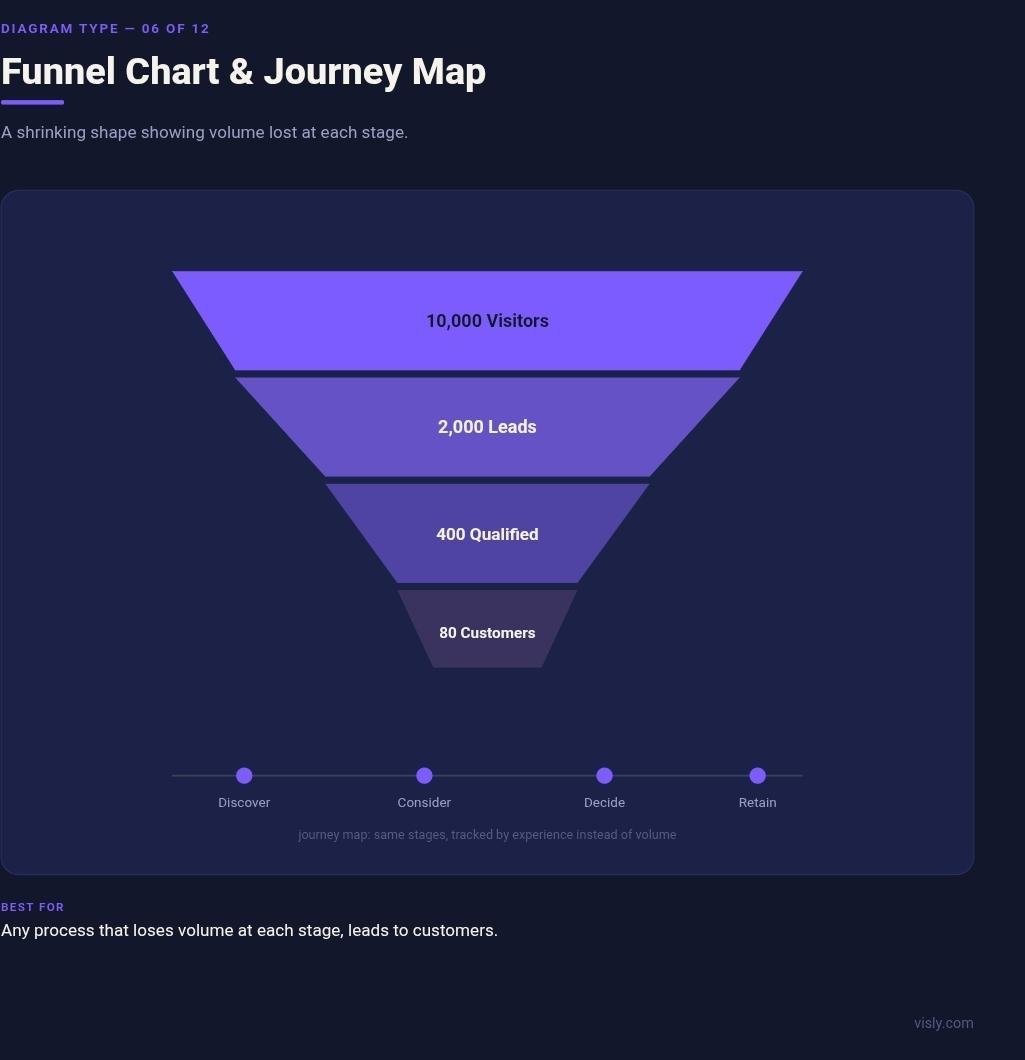
A funnel chart narrows from a wide top to a narrow bottom, representing a large starting group shrinking through defined stages down to a smaller outcome. The shape itself is the argument: each stage is visually smaller than the one before it, so the diagram only makes sense when something is genuinely being lost at every step, visitors becoming leads, leads becoming customers, applicants becoming hires.
A customer journey map covers similar ground but trades the funnel's narrowing shape for a wider, more detailed timeline. Instead of tracking how many people survive each stage, a journey map tracks what one representative person does, thinks, and feels at each point, often including the friction a pure numbers funnel leaves out entirely. Where a funnel answers "how many," a journey map answers "what was that actually like."
The mistake with a funnel chart is using the shape when nothing is actually shrinking; a process with no drop-off misrepresents what's happening when it's forced into a narrowing shape, and a simple flowchart communicates the same steps more honestly. The mistake with a journey map runs the other direction: building one that's really just a funnel with extra decoration, all stages and no emotional or experiential detail, which defeats the entire reason to choose a journey map over the simpler chart in the first place.
On LinkedIn, funnel charts work well for a "how 10,000 visitors became 40 customers" post, narrated stage by stage, while journey maps suit a more narrative "what our onboarding actually feels like from the client's side" post.
7. SWOT Analysis Diagram
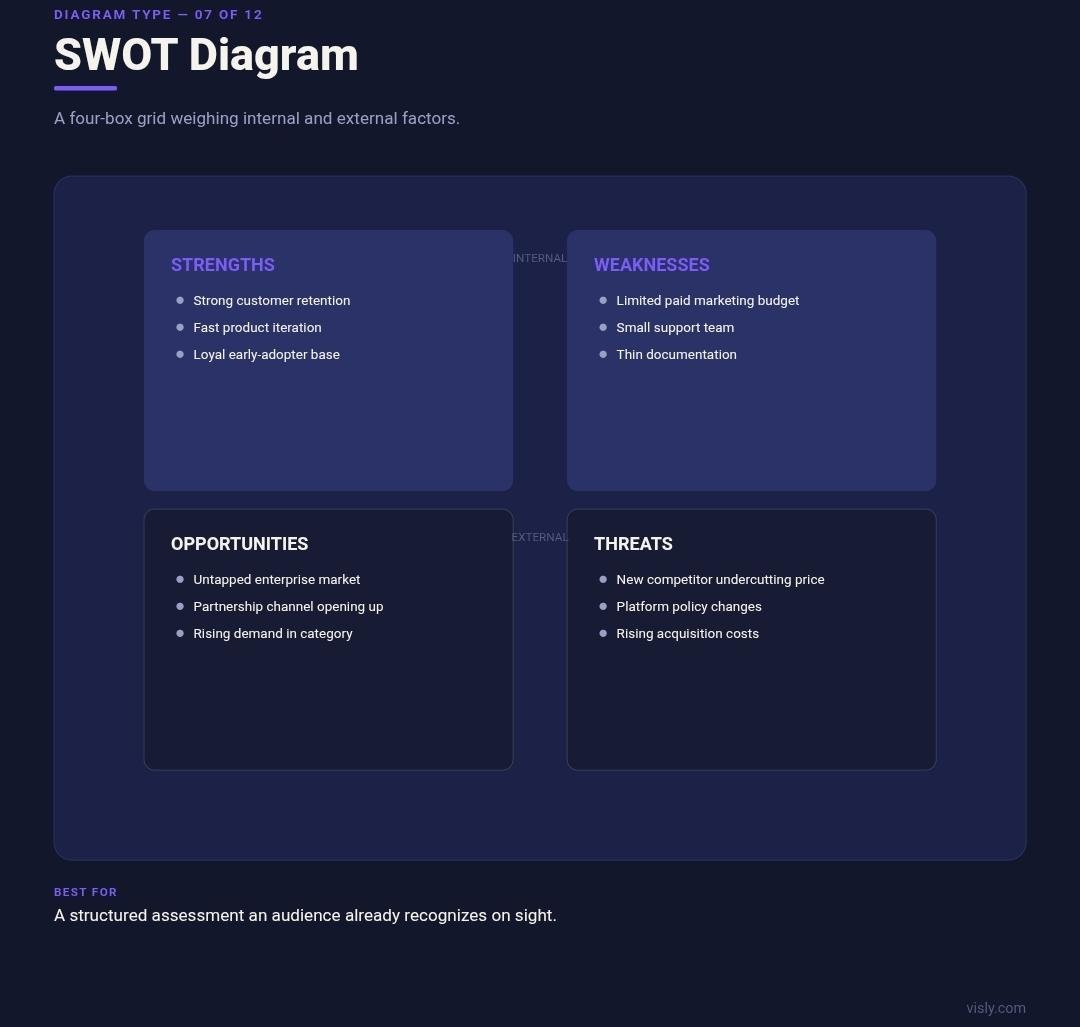
A SWOT diagram is a four-box grid evaluating Strengths, Weaknesses, Opportunities, and Threats, split along two fixed dimensions: internal versus external factors, and helpful versus harmful ones. Strengths and weaknesses live inside the organization; opportunities and threats come from outside it.
Because the format is so standardized, it carries something few other diagrams on this list have: instant recognition. An audience sees the four-box grid and knows what kind of analysis they're looking at before reading a single word inside it, which makes SWOT diagrams unusually effective for feed content, where recognition speed matters more than novelty.
That same standardization is also where SWOT diagrams go wrong. The format assumes all four boxes have something real to say, and forcing a thin, generic "threats" box just to complete the grid, competition exists, market could change, produces a box that reads as filler rather than analysis. A genuinely useful SWOT needs each quadrant to hold something specific enough that swapping it into a different company's SWOT would look obviously wrong. A second common issue is confusing internal and external placement, listing a weak brand reputation (internal) as a threat (external), which undermines the entire logic the format is built on.
On LinkedIn, SWOT diagrams work well for competitor teardown posts and "here's how we see ourselves" transparency posts, both cases where the audience already recognizes the format on sight.
8. Venn Diagram
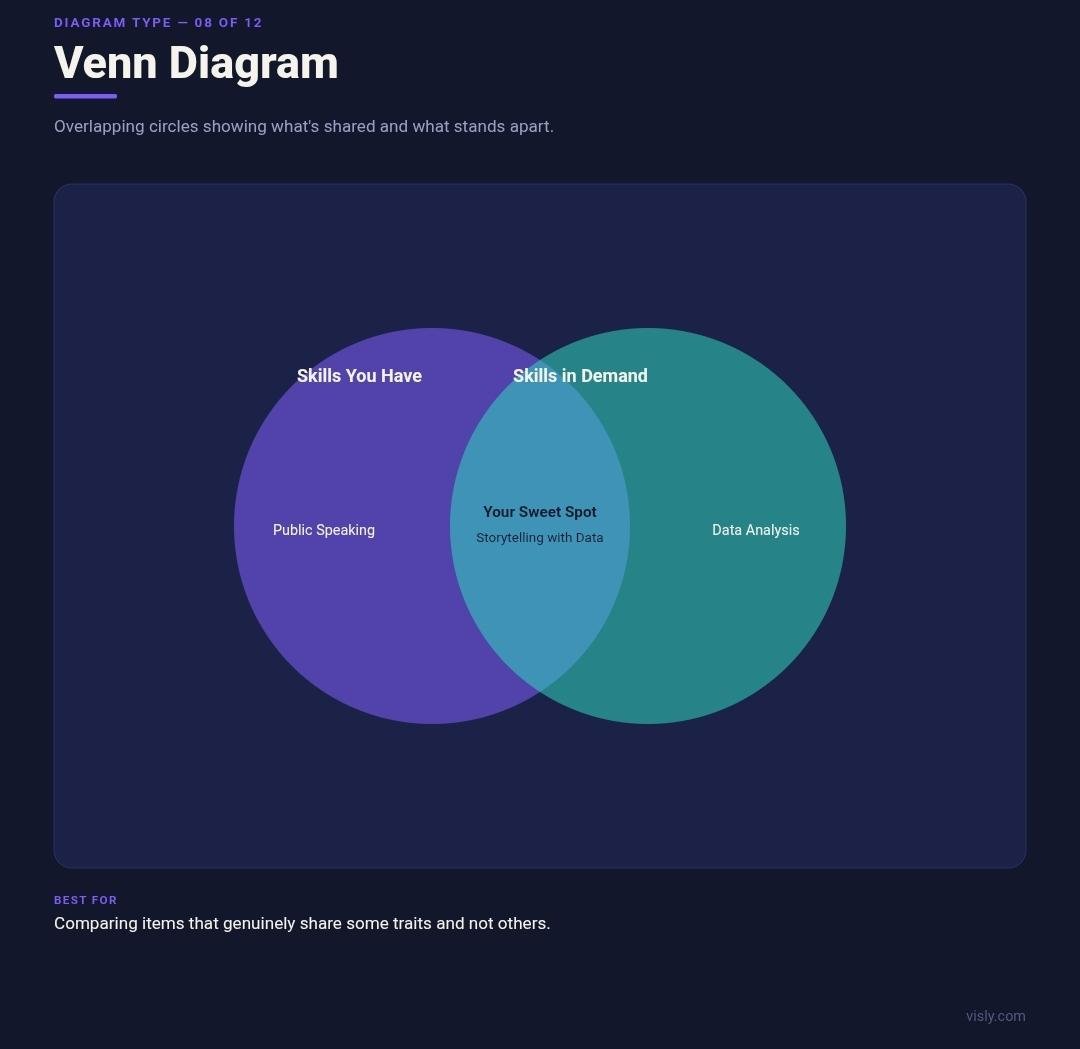
A Venn diagram uses overlapping circles to show what separate categories share versus what belongs to each one alone. The overlapping area carries the actual message: two circles with no overlap have nothing in common, and two circles that are almost entirely overlapping are nearly the same thing, described twice.
Originally built for mathematical set logic, the format has become flexible enough to compare almost anything: products, audiences, skill sets, markets. Two circles are the most common version and the easiest to read at a glance; three-circle Venn diagrams are still legible but demand more from the reader, and anything beyond three circles usually stops communicating clearly and starts becoming a puzzle.
The most common misuse is forcing overlap where none really exists, drawing two circles that barely touch just because the Venn format looked more visually interesting than a plain list of differences. A shape implying a meaningful shared area, when the actual shared area is thin or artificial, sends the reader looking for a connection that isn't really there. When two things mostly just differ, without much genuine overlap worth highlighting, a simple side-by-side comparison table communicates that more honestly than a Venn diagram forcing a relationship that doesn't hold up.
On LinkedIn, Venn diagrams work best for comparing two audience segments, two skill sets, or two strategies where the overlap itself, not just the differences, is the actual insight being made.
9. Fishbone Diagram
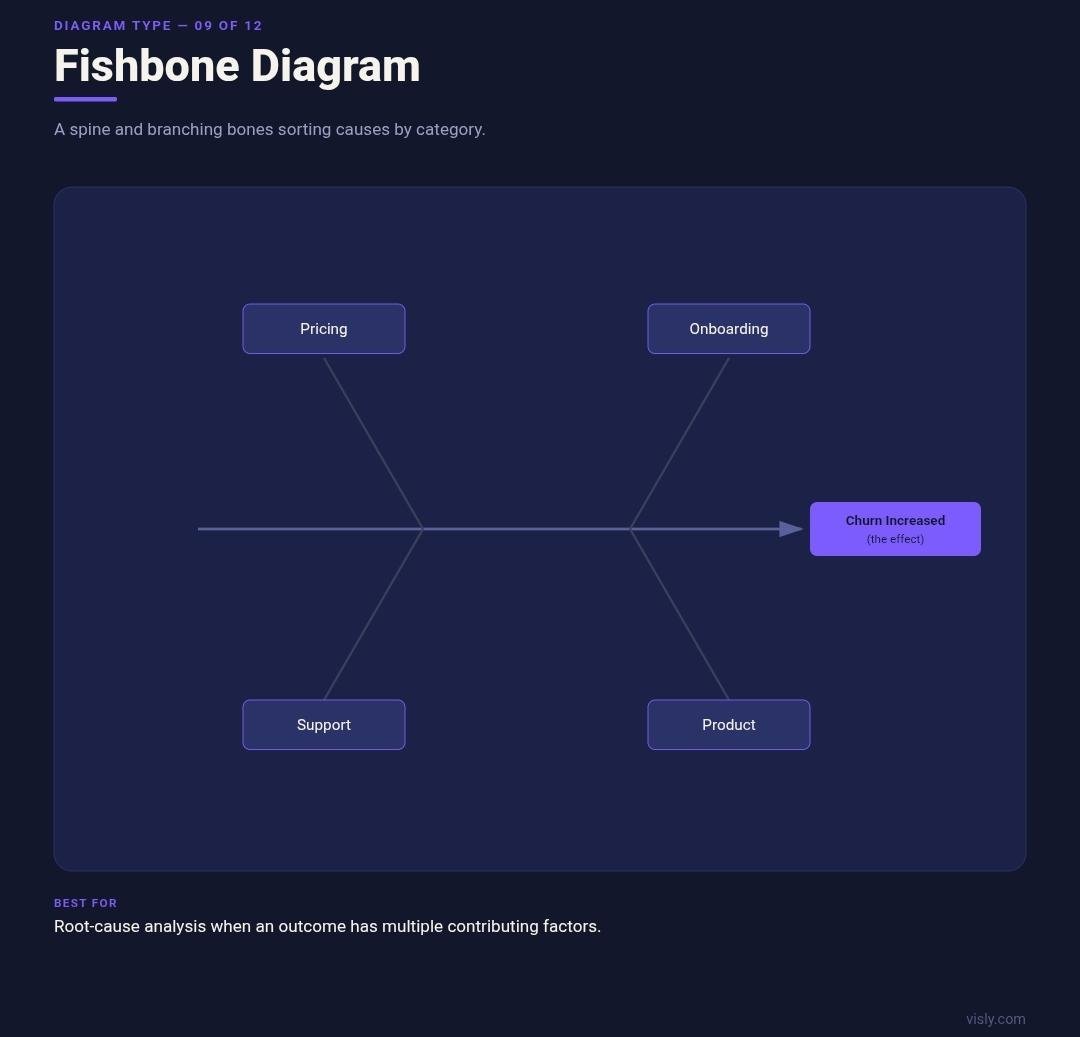
A fishbone diagram, also called an Ishikawa diagram after the quality-control researcher who popularized it, resembles a fish skeleton: a horizontal spine leading to one effect, with angled bones branching off representing categories of contributing cause. It's built specifically for root-cause analysis, situations where an outcome has multiple plausible contributing factors that benefit from being sorted into categories rather than listed as one flat pile.
Common category headers include people, process, equipment, and environment, though the categories flex depending on the field; a marketing team analyzing a metric drop might use categories like pricing, messaging, timing, and competition instead. The categorization is what makes a fishbone diagram more useful than a flat bulleted list of possible causes: it groups related causes together so patterns become visible, three of five contributing factors falling under "onboarding," for instance, points somewhere a flat list wouldn't make as obvious.
The diagram only earns its structure when there's genuinely more than one contributing category. A problem with a single, clear cause doesn't need a fishbone; forcing it into one manufactures the appearance of complexity that isn't actually there, and can make a straightforward problem look more mysterious than it is.
On LinkedIn, fishbone diagrams work well for "why our churn spiked last quarter" retrospective posts, broken into categories like pricing, onboarding, and support, giving a messy problem some visible structure.
10. Organizational Chart
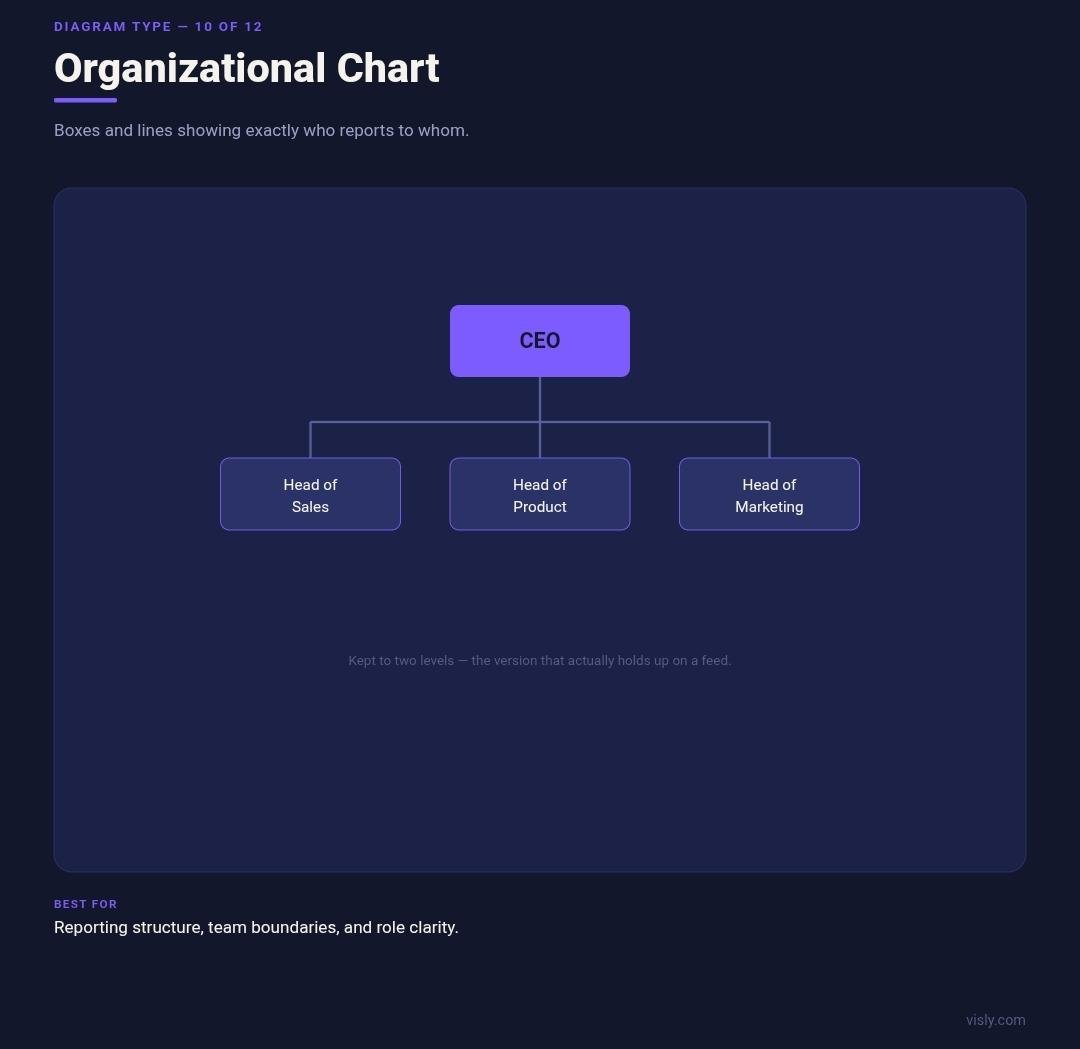
An organizational chart is a specific, standardized application of the tree diagram covered earlier: boxes representing people or roles, connected by lines that show who reports to whom. Four layout variants cover most real-world org charts. A vertical chart, the most familiar version, places leadership at the top with reporting lines flowing down. A horizontal chart runs the same logic left to right, often used when an organization is wider than it is deep. A matrix org chart shows people reporting to more than one manager at once, common in organizations built around both functions and projects. A creative or non-traditional layout abandons strict top-down logic entirely, more common in flat organizations or agencies signaling a less hierarchical culture.
An org chart answers exactly one question well: who reports to whom. It's a common mistake to ask it to answer a second question at the same time, like how a project actually moves through the organization, which is fundamentally a process question rather than a structural one. The two get confused constantly because both involve boxes and lines, but an org chart with workflow arrows added on top usually ends up doing both jobs poorly instead of one job well.
On LinkedIn, org charts work best simplified to two levels at most; a full company structure with every direct report visible reads as a wall of boxes on a phone screen, while a stripped-down "how our four-person leadership team is structured" graphic actually holds up at feed size.
11. Pyramid or Triangle Chart
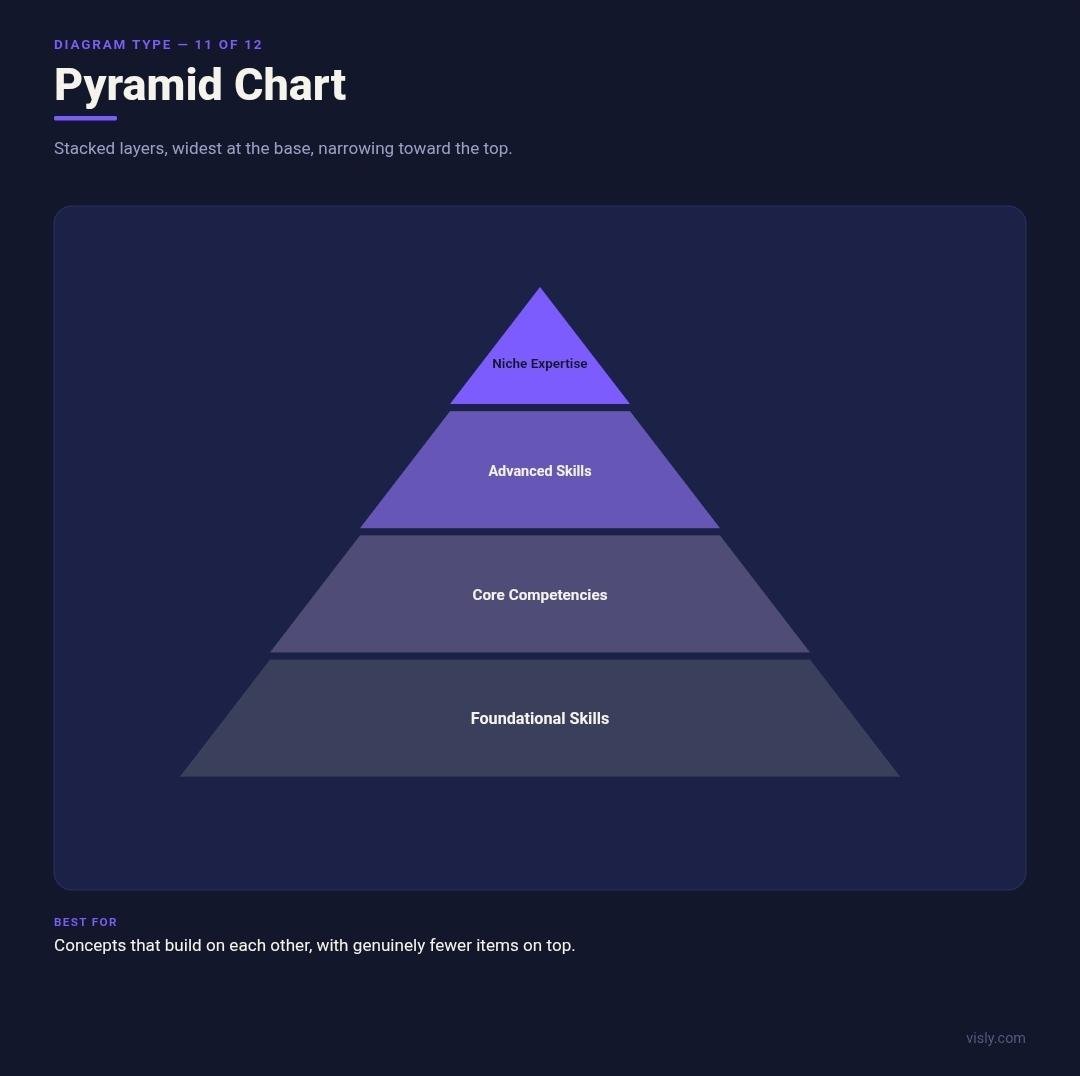
A pyramid chart stacks layers from widest at the base to narrowest at the top, and the shape itself makes a specific claim: whatever sits at the top is fewer in number, more advanced, or more important than what sits underneath it. That claim is the entire reason to reach for a pyramid instead of a plain list.
The two most cited real-world examples make the point well. Maslow's hierarchy of needs uses the pyramid shape to argue that foundational needs (physiological, safety) have to be met before higher-level needs (esteem, self-actualization) become relevant, a genuine dependency, not just a stylistic choice. A traditional food pyramid uses the same shape to argue proportion: eat a lot from the base, less from each layer above it. In both cases, the shape is doing real work, carrying information about quantity or precedence.
That's exactly why a pyramid becomes misleading when the underlying items are actually equal in weight. Five equally important company values, stacked into a pyramid because it looks more dynamic than a plain list, quietly tells the reader that the bottom value matters least and the top value matters most, an implication nobody intended and the content doesn't support.
On LinkedIn, the format that holds up best is the career-skills pyramid: foundational skills at the base, advanced or niche skills narrowing toward the top, one of the few pyramid use cases where the shape's implied hierarchy is actually true to the content.
12. Roadmap and Gantt Chart
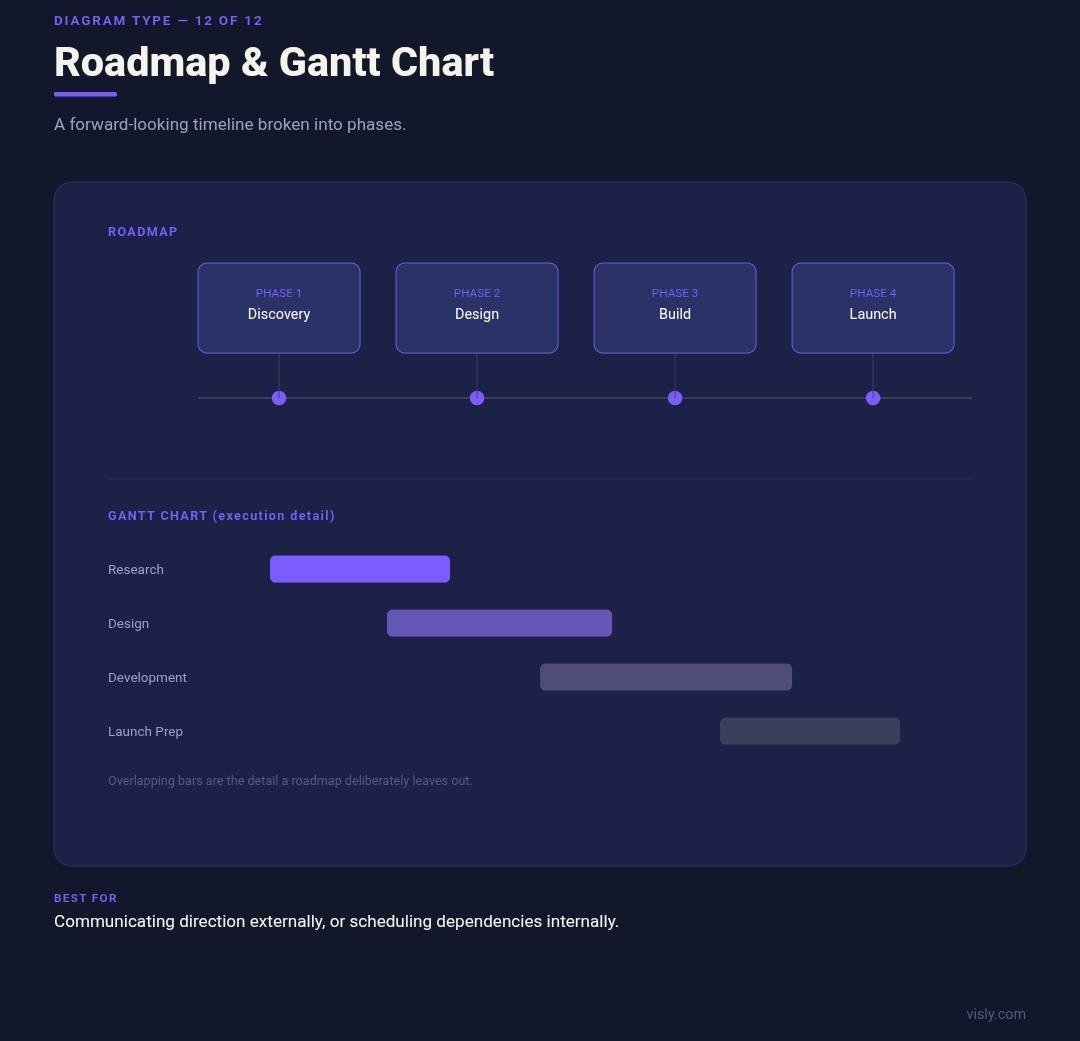
A roadmap is a forward-looking timeline, usually broken into broad phases or quarters, communicating what's planned rather than what's already happened. It's intentionally low on detail: a roadmap that tries to show every task and dependency stops being a roadmap and starts becoming the next diagram on this list.
A Gantt chart is that next diagram: a detailed project schedule listing tasks vertically and plotting time horizontally, with horizontal bars showing each task's duration and where it overlaps with others. Where a roadmap gives outside stakeholders a general sense of direction, a Gantt chart gives the people executing the plan the specific dependency and scheduling information they actually need day to day.
The distinction matters because the two audiences rarely overlap. A roadmap shared externally builds confidence in a general direction; a Gantt chart shared externally usually just overwhelms a reader with granularity they never asked for and probably can't act on. The reverse mistake also happens: an internal team relying on a roadmap-level view for actual execution, then discovering too late that two dependent tasks were never actually scheduled to align. A second roadmap-specific risk is committing to dates that don't hold. A roadmap implies enough confidence in the plan to put dates on a graphic, and one that turns out wrong within a month costs more trust with an audience than not publishing a roadmap at all.
On LinkedIn, roadmaps work well as a "what's shipping this quarter" post, kept to three or four phases; Gantt charts rarely belong on a public feed at all, and when they do appear, it's usually inside a behind-the-scenes post aimed at a technical or project-management audience specifically.
A Simple Framework for Choosing the Right One
Skip the diagram names for a second and ask one question first: what kind of relationship am I actually showing? Almost everything above falls into a small number of underlying jobs. Start here, then pick the specific type from the matching row.
| What you're showing | Diagram that fits |
|---|---|
| Hierarchy or rank | Tree diagramOrganizational chartPyramid |
| A process or sequence | FlowchartRoadmap |
| A decision with branching outcomes | Decision tree |
| A repeating or cyclical process | Feedback loop |
| How ideas relate or connect | Mind map |
| Comparison or overlap | Venn diagramMatrix/quadrant chartSWOT diagram |
| Volume shrinking through stages | Funnel chart |
| One person's experience over stages | Customer journey map |
| Cause and effect | Fishbone diagram |
| Parts of one whole, no clear order | Circle diagram |
| Detailed task scheduling | Gantt chart |
Once the job is identified, a second filter narrows it further: how many elements does the real content actually have? Anything with more than seven or eight distinct elements is already fighting the "readable in one glance" requirement that a LinkedIn graphic depends on. At that point, the fix is usually two simpler diagrams instead of one complex one, split by whatever the biggest natural break in the content already is.
Where Diagram Selection Goes Wrong
The most common mistake, underneath all twelve types above, is the same one: reaching for whichever diagram is most familiar rather than the one whose built-in logic actually matches the content. Every specific example above is really a version of that same root problem.
A second, more general mistake is scale mismatch: matching the diagram to the amount of data instead of to the point being made. Ten data points don't require a diagram with ten visible elements. If the actual message is "one factor dominates the other nine," a simple size or color contrast makes that instantly obvious, while a ten-element diagram spreads equal visual weight across every point and buries the one that mattered.
A third, subtler tell: needing a legend to explain what a diagram is showing. A genuinely well-matched diagram type usually explains itself through its shape alone; a pyramid reads as hierarchy without a caption, a Venn diagram reads as overlap without one either. Reaching for an explanatory legend is often a sign the shape itself isn't doing the communicating it's supposed to do, and a different diagram type would need far less explaining.
Making Any Diagram Work on a Feed
Whatever type ends up being the right one, a few adjustments matter specifically because the destination is a phone screen rather than a report page:
- ■Cap the element count around five to seven. Anything meant to register in a glance needs restraint. A diagram engineered for a slide deck, where the presenter narrates each part out loud, usually has too many pieces to survive alone on a feed with no narrator attached.
- ■Text inside shapes must hold up at thumbnail size. A label that's legible at full screen and vanishes into a gray smear once LinkedIn compresses the preview defeats the entire point of adding it.
- ■One color should carry the meaning. Use color deliberately rather than simply decorating shapes. A flowchart where the 'problem' branch is a distinct accent from the 'resolved' branch tells the story before anyone reads the boxes. A flowchart where every box is a different color for no reason just adds noise to something that needed clarity.
- ■Arrows and connectors need sufficient weight. Connecting lines need enough contrast and stroke weight to survive a screenshot or mobile compression pass, since that's how most diagrams actually travel once they leave the original post.
Frequently Asked Questions
Where Visly Fits Into This
Picking the right diagram type is step one. Building it so it actually holds up at feed size, with the right element count and legible text, is a separate skill, and it's the step most people either skip or spend the most time on.
Visly is built around the diagram types that actually travel well on LinkedIn: quadrant charts, simple flowcharts, funnels, and Venn diagrams. Describe the content, and Visly applies the structure, spacing, and contrast that keeps each one readable at thumbnail size, without needing to manually count elements or resize text until it survives a compression pass.
The type still has to be the right one. No tool fixes a fishbone diagram that should have been a comparison table. What Visly removes is everything after that decision: the layout math, the sizing, and the version of design taste that usually takes years to build by hand.
The Short Version
- ■A diagram shows structure or relationship; a chart shows quantitative data. Several diagram types work with no numbers at all.
- ■The fastest way to choose the right one: identify the underlying job (hierarchy, process, comparison, cause and effect, and so on) before landing on a diagram name.
- ■The most common mistake is a shape whose built-in logic doesn't match the content, implying an order, overlap, or importance that isn't actually there, regardless of how polished the diagram looks.
- ■On LinkedIn specifically, cap element count around five to seven, keep text legible at thumbnail size, and let one color carry the meaning instead of decorating every shape.
- ■Twelve types cover almost everything: mind map, circle diagram, tree diagram, flowchart (plus its decision tree and feedback loop variants), matrix or quadrant chart, funnel chart and customer journey map, SWOT diagram, Venn diagram, fishbone diagram, organizational chart, pyramid chart, and roadmap and Gantt chart.