
How to Write a Step-by-Step Guide (and Turn It Into a Graphic People Actually Follow)
Think about the last time you followed instructions you actually enjoyed following. Probably nothing came to mind.
Now think about the last time you followed bad ones. Step 4 assumed you’d done something nobody told you to do in step 3. You ended up with a spare screw and a wobbly shelf.
A step-by-step guide has one job: get someone from “I don’t know how” to “done” without making them guess. It sounds simple, and it’s surprisingly easy to get wrong. Let’s fix that.
What Is a Step-by-Step Guide?
It’s a set of instructions, in order, for completing one task. Each step is a single action, and the steps follow a sequence that someone who’s never done the task can follow.
You see them everywhere: furniture instructions, software tutorials, onboarding checklists, recipes. At work, they’re how you train new hires, document a process so it doesn’t live only in one person’s head, and keep a task done the same way every time.
The format is also one of the most shareable things you can post online, because people love saving “how to do X” content for later. We’ll get to that.
Why They’re Worth Writing
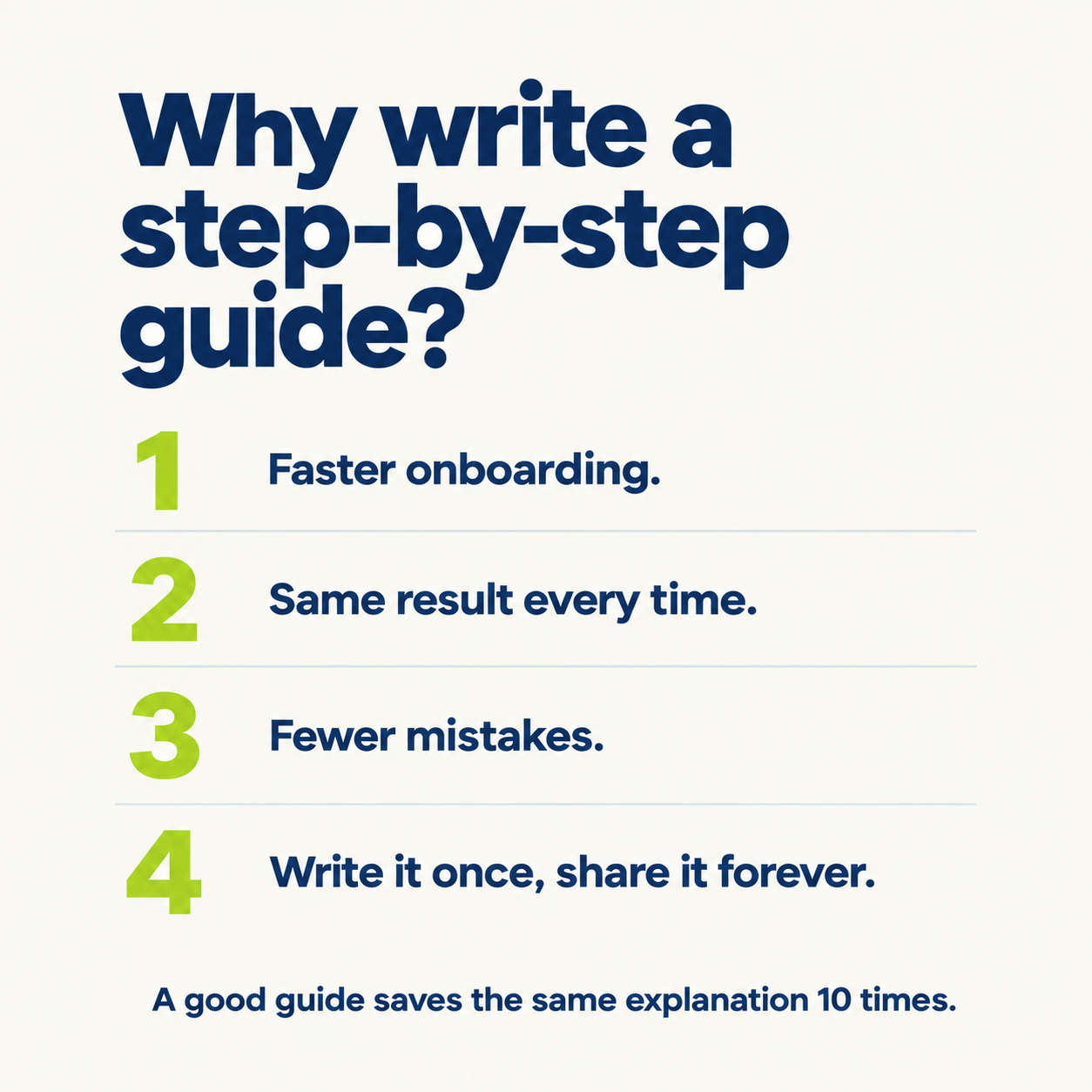
Faster onboarding. New people can learn a task without waiting for someone to walk them through it.
Consistency. When everyone follows the same steps, you get the same result.
Fewer mistakes. Clear steps catch the “I didn’t know I had to do that” problems before they happen.
Less repeated explaining. You write it once instead of answering the same question ten times.
Shared knowledge. The process stops depending on one person being around.
Breaking a big task into small chunks also just makes it feel doable. A 30-step task is overwhelming. Six clear stages with a few steps each is a plan.
How to Write One in 6 Steps
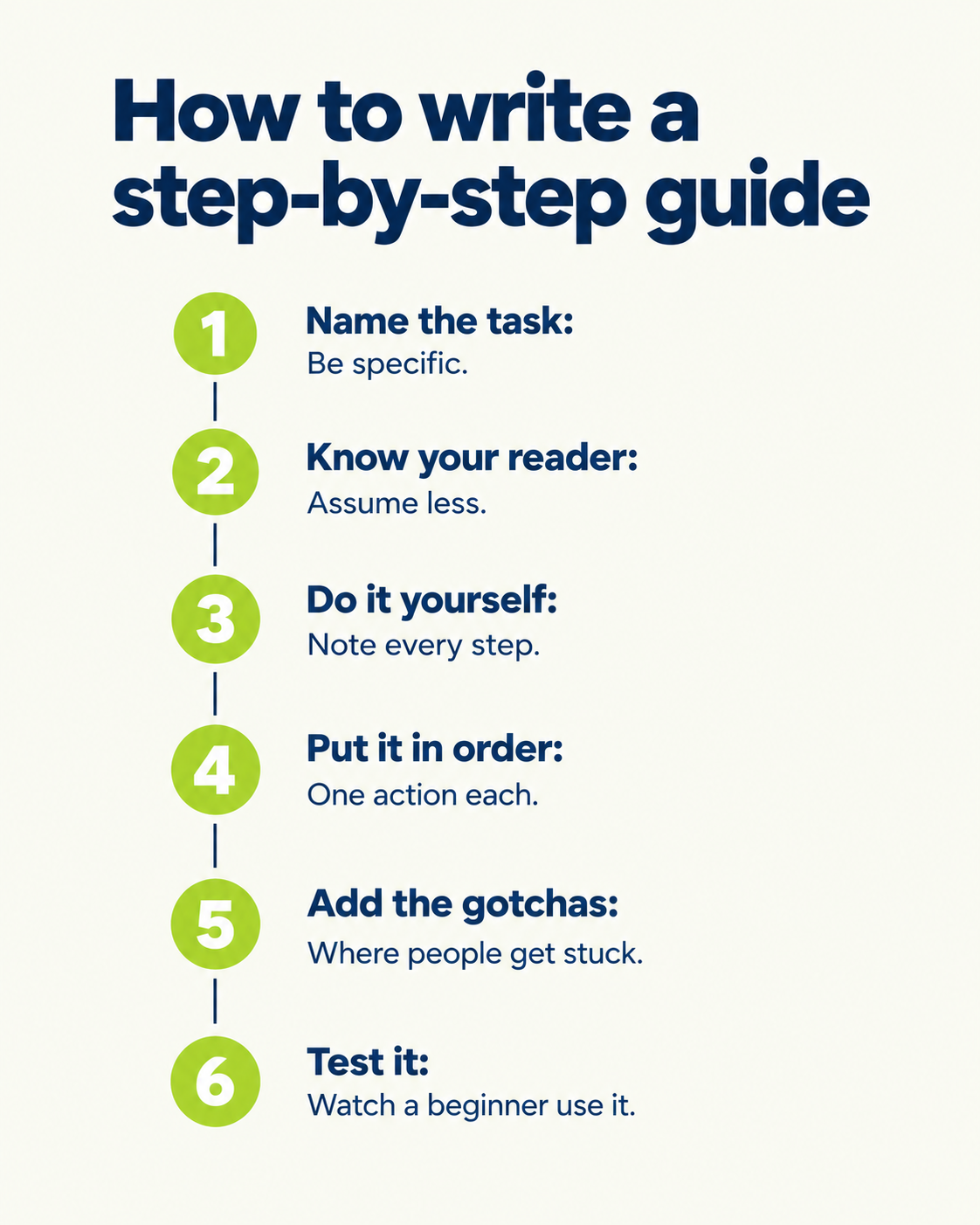
1. Name the task
Make it specific. “How to onboard a new client” is better than “Client stuff.” The title should tell the reader exactly what they’ll be able to do when they finish.
2. Know who it’s for
A guide for a new hire and a guide for an expert are different documents. Think about what your reader already knows, and write for that person. If you’re unsure, assume less.
3. Do the task yourself, and write down every step
This is the step people skip. Walk through the process while taking notes, even if you’ve done it a hundred times. You’ll be surprised by how many things you do automatically that a beginner wouldn’t know.
4. Put the steps in order, one action each
Each step should be a single thing to do, starting with a verb. “Open the dashboard” is a step. “Open the dashboard and check the settings and update the profile” is three steps in a trench coat.
5. Add what could go wrong
Note where people usually get stuck and what to do about it. Also say whether there are times to break from the process, and what those look like. This is what separates a useful guide from a basic list.
6. Test it on a real person
Give it to someone who hasn’t done the task and watch them use it. Wherever they pause or ask a question, the guide needs work. Then update it, because processes change and guides go stale.
What a Good Guide Includes
At minimum:
A clear title that names the task.
A short line on what the reader will achieve.
The steps, in order, one action each.
The number of steps, so people know what they’re signing up for.
To make it better:
Visuals. A screenshot, icon or small diagram for each step helps people confirm they’re doing it right.
Warnings and tips. Short notes on common mistakes.
What “done” looks like. A last line telling the reader how to know they finished correctly.
Time estimate. People are more likely to start something when they know it takes ten minutes.
If it’ll be printed, think about the paper size and whether it’ll be printed in color. Simple designs in grayscale are easier on the printer and often read more clearly anyway.
Picking the Right Format
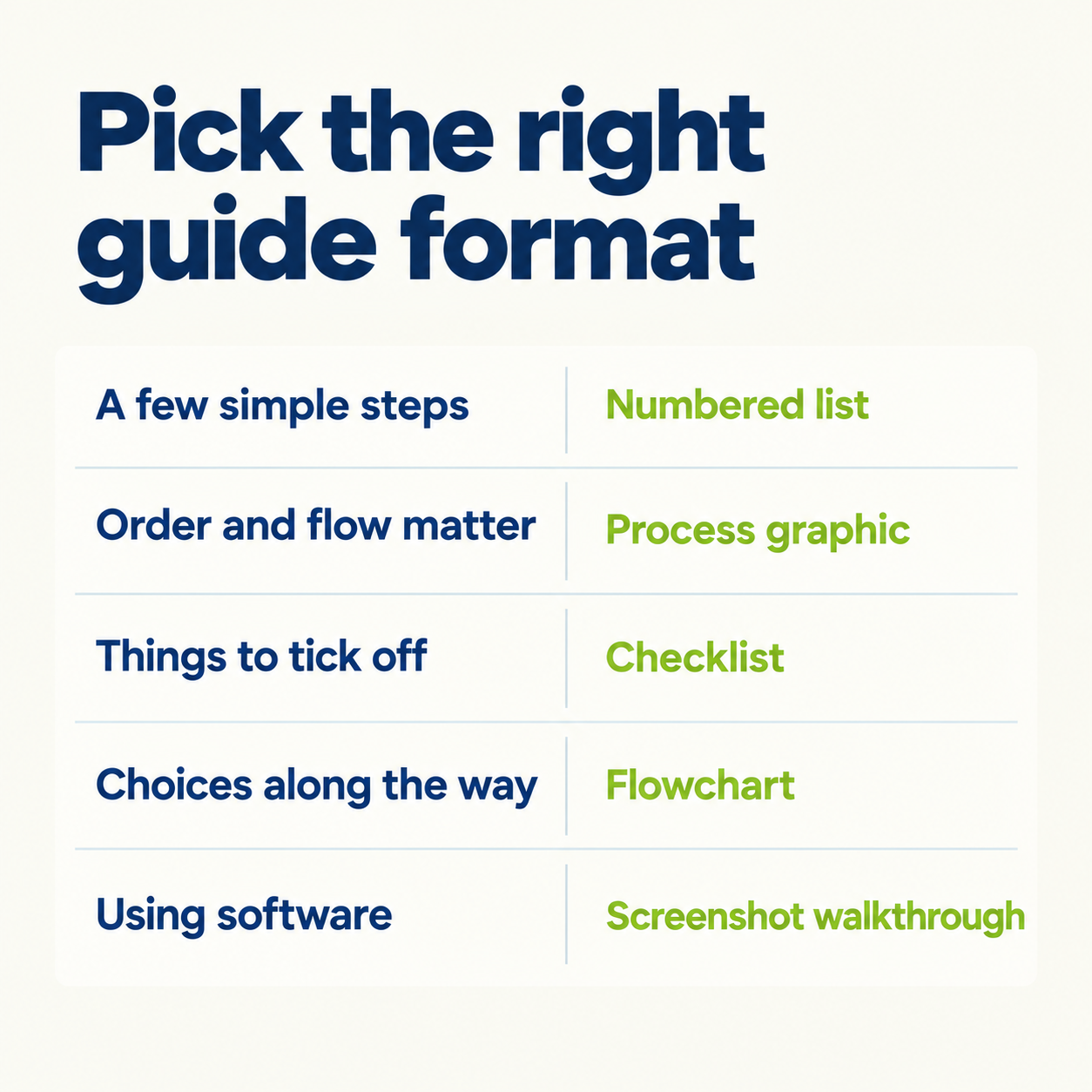
A step-by-step guide doesn’t have to be a long document. Match the format to the task:
A numbered list works for simple tasks with a few steps.
A process graphic works when the order and the flow are the point.
A checklist works when the reader needs to tick things off, like a launch routine.
A flowchart works when there are decisions along the way (“if X, go to step 5”). Our guide to the types of diagrams covers when to use each.
A screenshot walkthrough works for software.
Pick the simplest one that still gets the job done.
6 Mistakes That Make Guides Useless
Skipping steps that feel obvious. They’re obvious to you. They’re not to a beginner.
Putting several actions in one step. Splitting them is what makes a guide easy to follow.
Using jargon. Write for the person who doesn’t know your company’s shorthand.
Too much detail. If a step needs a paragraph, it probably needs to be split or simplified. Keep each one short.
Never testing it. If you haven’t watched someone use it, you don’t know if it works.
Letting it go stale. An outdated guide is worse than none, because people trust it.
Turning a Guide Into a LinkedIn Post
Here’s where it gets fun. A step-by-step guide is one of the best-performing content formats on LinkedIn, for two reasons: it gives people something useful, and it’s easy to save and come back to.
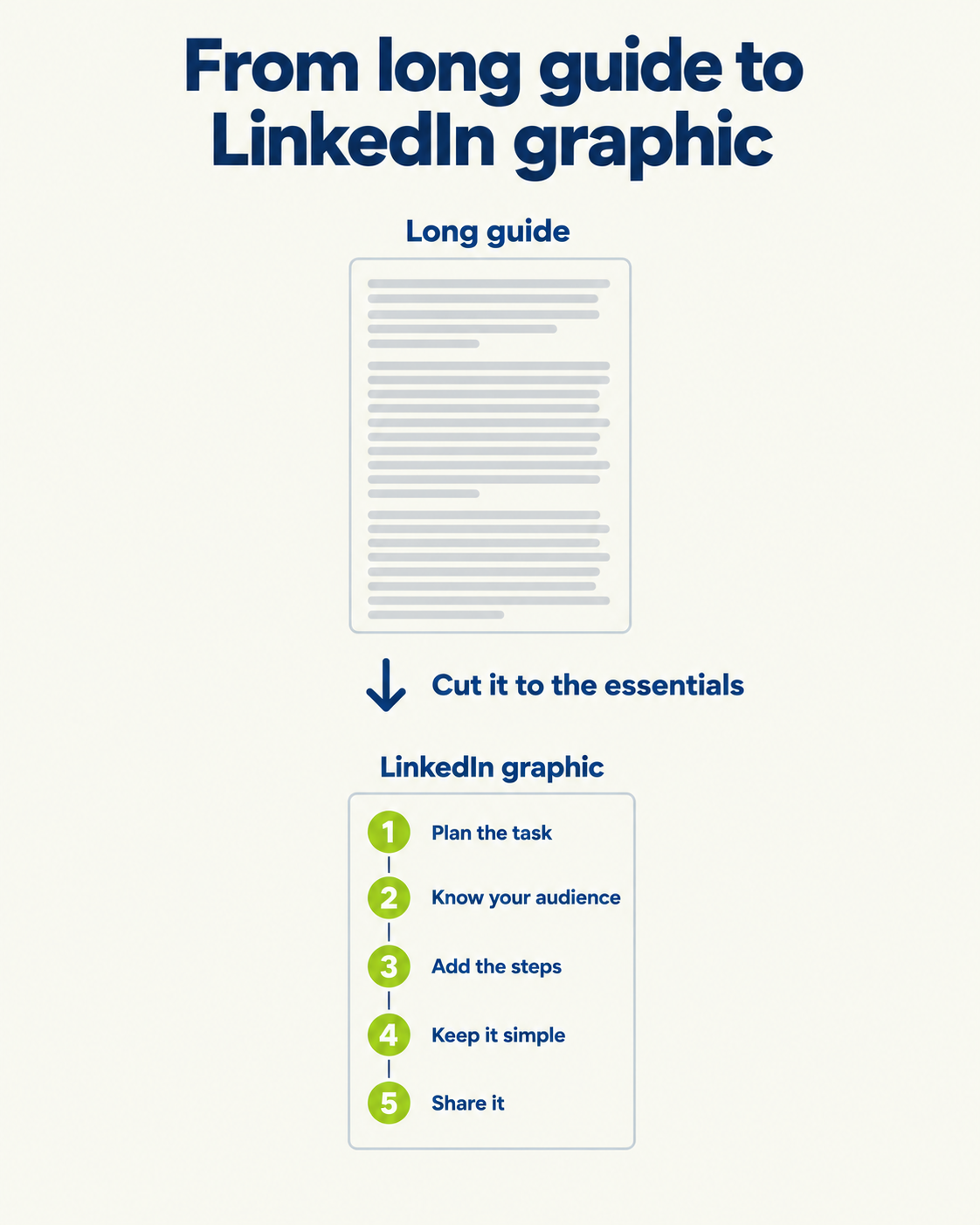
But a long written guide won’t survive a feed. People need to get the point in a glance. A few things help:
Keep it to 5 to 7 steps. More than that and it becomes a wall.
Make the title the promise. “How I run a client kickoff in 5 steps” tells people exactly what they get.
One idea per step. A number, a short title and one line.
Put the most important step first or last. People remember the beginning and the end.
Use one accent color to show the order or highlight the key step. That’s emphasis at work.
Match your style from post to post. If every how-to post looks like it came from the same account, people start to recognize them. That consistency is unity.
Basically, you’re turning a long document into a graphic that makes sense in a few seconds, and that’s what a good infographic does.
A Reusable Template
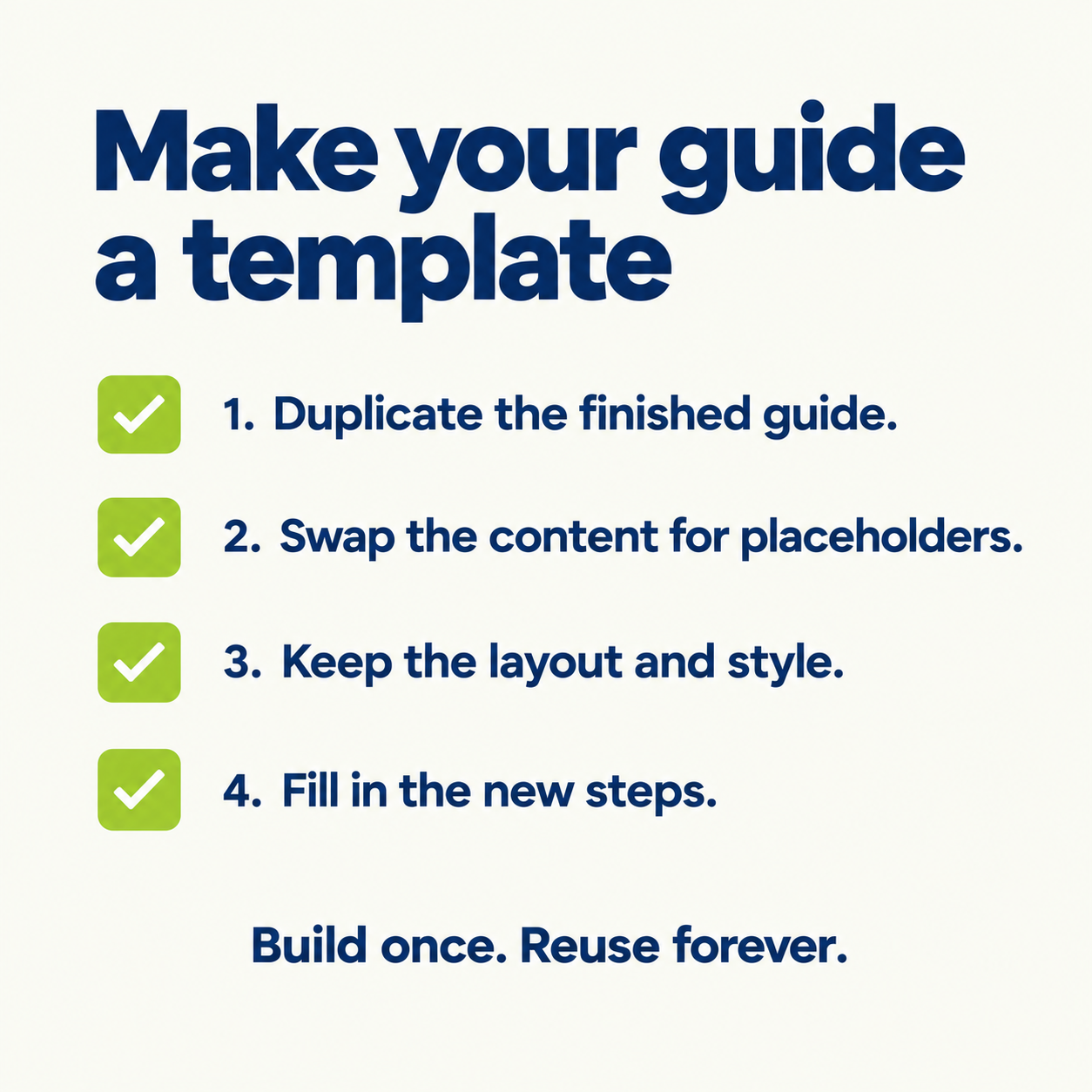
Once you’ve written one good guide, don’t start from zero next time. Turn it into a template:
Duplicate the finished guide.
Replace the content with placeholder text, but keep the structure.
Keep the layout, colors, fonts and icon style the same.
Fill in the new steps, and update the title.
For LinkedIn, the same idea applies to design. If you build your how-to graphics with the same layout every time, you save time and get a recognizable look. The trouble is that in a general design tool, like Canva, it’s easy to drift, and re-matching your brand takes time on every post.
The Takeaway
A great step-by-step guide isn’t clever. It’s clear: one action per step, in the right order, written for someone who’s never done it.
Write it, test it on a beginner, and keep it up to date. Then, if you want it to reach beyond your team, boil it down to the essentials and share it as a graphic.
That last part is where Visly helps. Describe your process in a sentence, like “how I run a client kickoff in 5 steps,” and Visly builds a polished, on-brand process graphic in under 60 seconds, with your colors and fonts already locked in.