
15 Free Best Infographic Generator Tools in 2026
Infographics are one of the easiest ways to turn complicated information into something people actually want to read.
But creating a good infographic from scratch can be surprisingly time-consuming. You need to organize the information, choose a layout, find graphics, select fonts, match colors, and make sure everything looks professional.
Thankfully, you no longer need to be a professional designer to create one. From AI-powered infographic generators to traditional drag-and-drop editors, there are plenty of tools that can help you create professional visuals for social media, blogs, presentations, reports, and marketing campaigns.
We tested and compared some of the most useful options available in 2026. Here are the 15 best free infographic generator tools, ranked from best to worst.
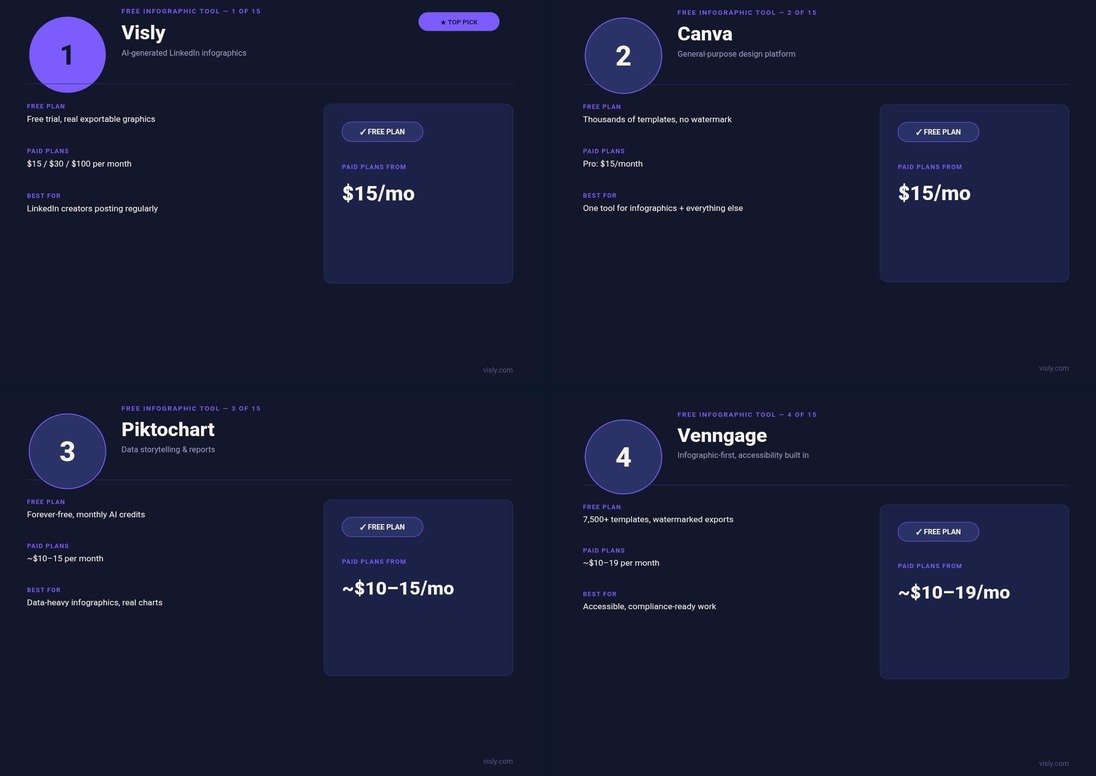
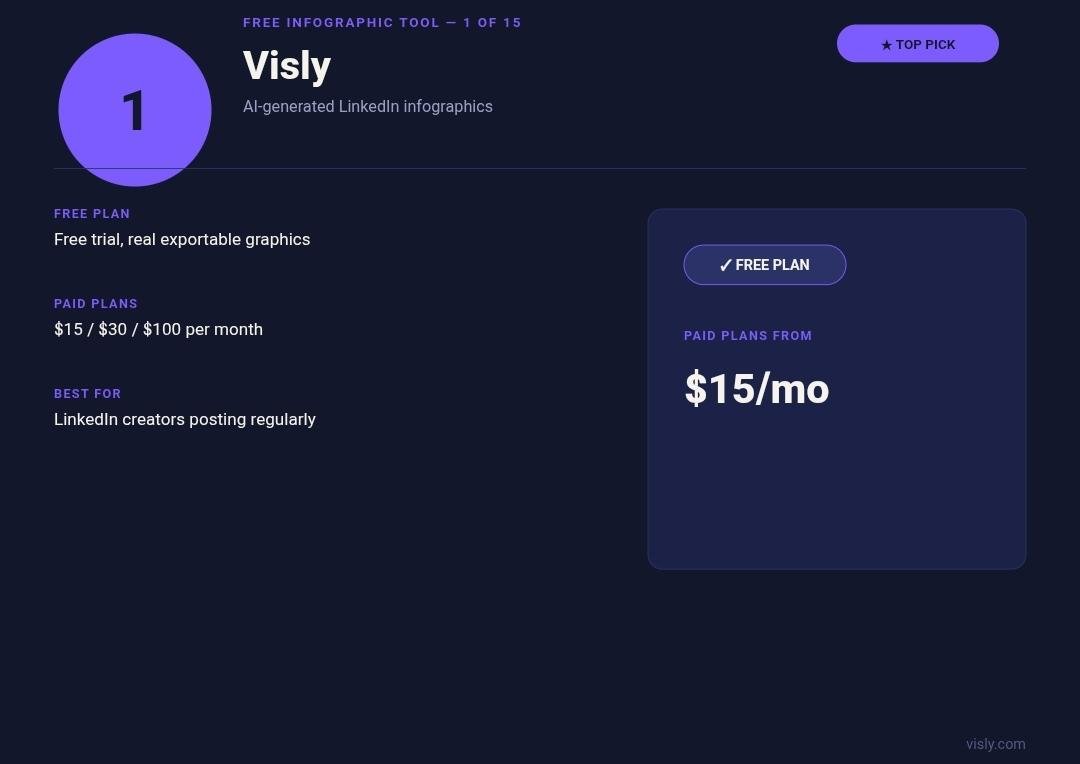
1. Visly: Best AI Infographic Generator for LinkedIn
Visly takes a different approach to infographic creation.
Instead of opening a blank canvas and spending time moving individual elements around, you give Visly your content or describe what you want to communicate. Its AI then turns that idea into a polished infographic designed specifically for LinkedIn creators.
Visly is built around a particularly useful problem: creating consistent visual content without spending hours designing every post.
You can provide raw text, a LinkedIn post URL, or a simple prompt, and Visly generates the visual for you. You can also establish your brand colors and fonts so your content stays recognizable across multiple posts.
Why we ranked Visly #1:
- ■Designed specifically for LinkedIn creators and founders
- ■AI-powered infographic and diagram generation
- ■One-prompt workflow: from raw text to complete visual in under 60 seconds
- ■On-brand visual output with saved brand palettes and fonts
- ■Designed to require little or no design experience
- ■Eliminates fighting with manual drag-and-drop templates
- ■Ideal for founders, marketers, ghostwriters, and personal brands
If you're creating infographics primarily for LinkedIn, Visly removes much of the manual design work that traditional tools require.
2. Canva: Best for Flexibility
Canva is probably the most recognizable name on this list.
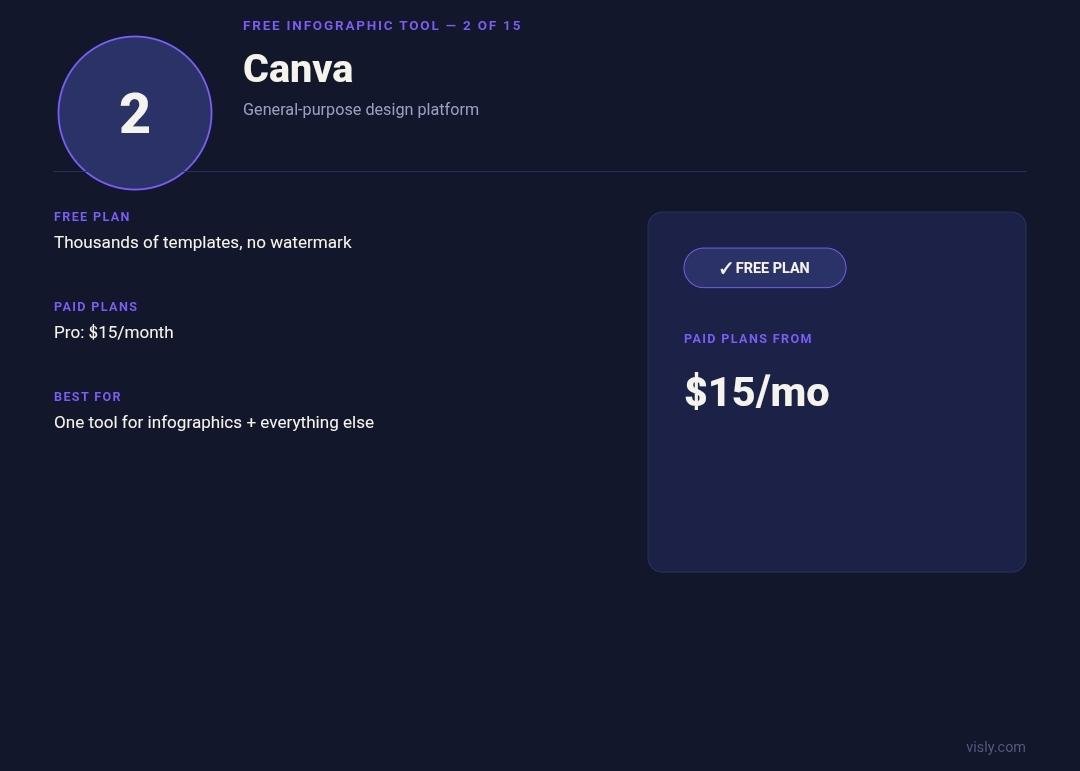
Its infographic maker combines a drag-and-drop editor with a huge library of templates, illustrations, graphics, and other design assets. Canva says its platform includes more than one million professionally designed templates across its ecosystem.
The biggest advantage of Canva is flexibility. You're not limited to infographics. You can use the same platform for presentations, social media posts, posters, documents, thumbnails, and much more.
The downside is that flexibility can also mean more work. You still have to choose a template, replace content, adjust the layout, and make sure the final design actually looks like your brand.
3. Piktochart: Best for Reports and Data-Heavy Infographics
Piktochart is one of the strongest choices for people who create reports, presentations, and data-driven visuals.
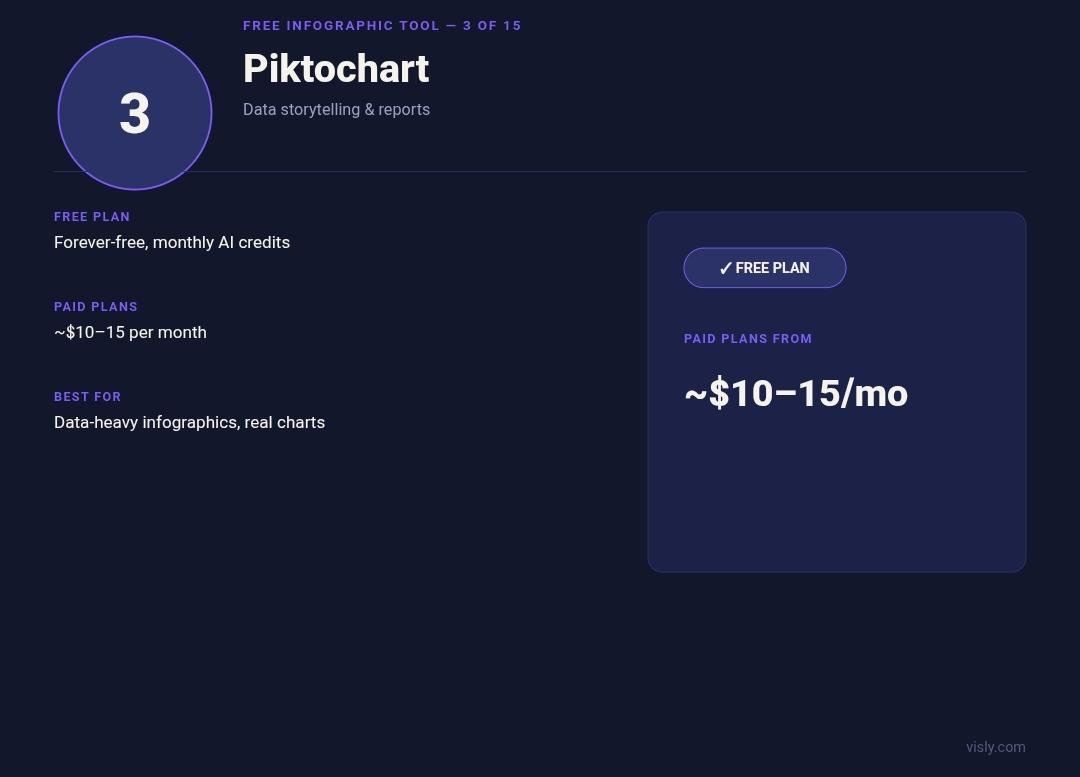
The platform focuses heavily on making information easier to understand visually. Its tools include infographic, presentation, report, poster, and graph makers, while its AI tools can also turn text or uploaded documents into visual content.
Piktochart is especially useful when your infographic contains charts, statistics, processes, or a large amount of structured information.
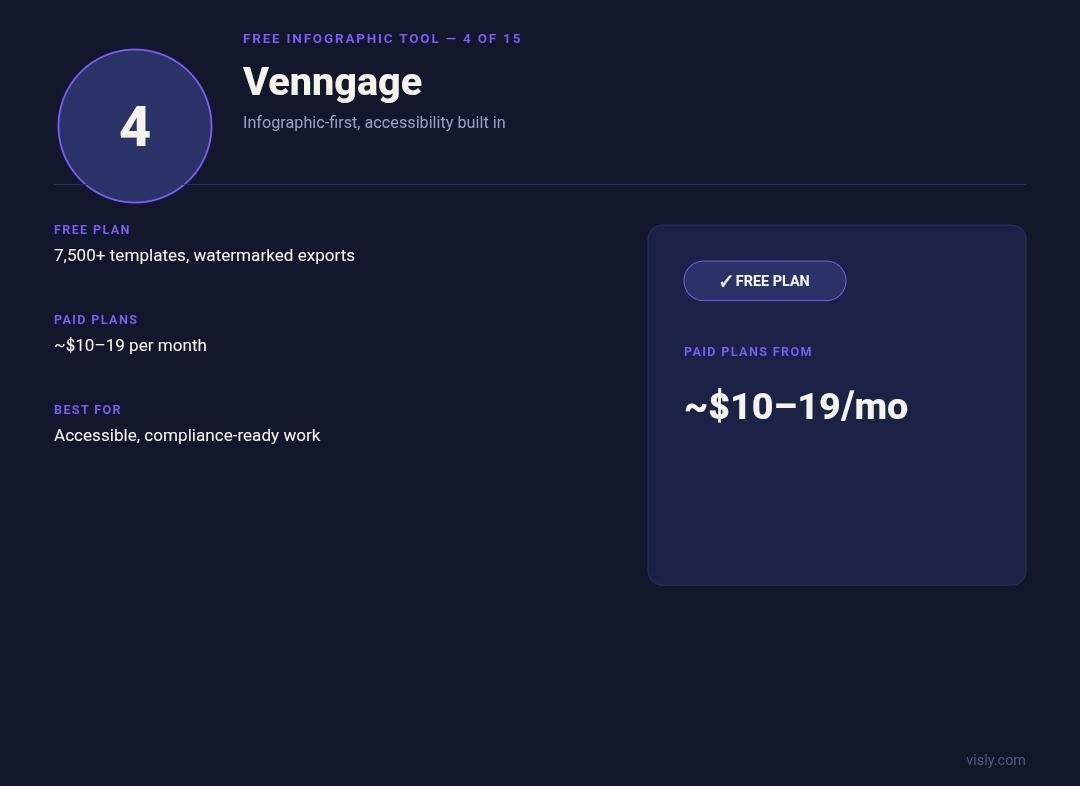
4. Venngage: Best for Business Infographics
Venngage is designed heavily around professional communication.
Its infographic maker offers templates for statistical, comparison, timeline, list, and process infographics. It also combines templates with charts, icons, AI generation, and branding tools.
Venngage is particularly useful when an infographic needs to look like a business document rather than simply a social media graphic. The platform can also apply brand colors, fonts, and logos across designs, which is useful for teams producing content consistently.
5. Visme: Best for Interactive Infographics
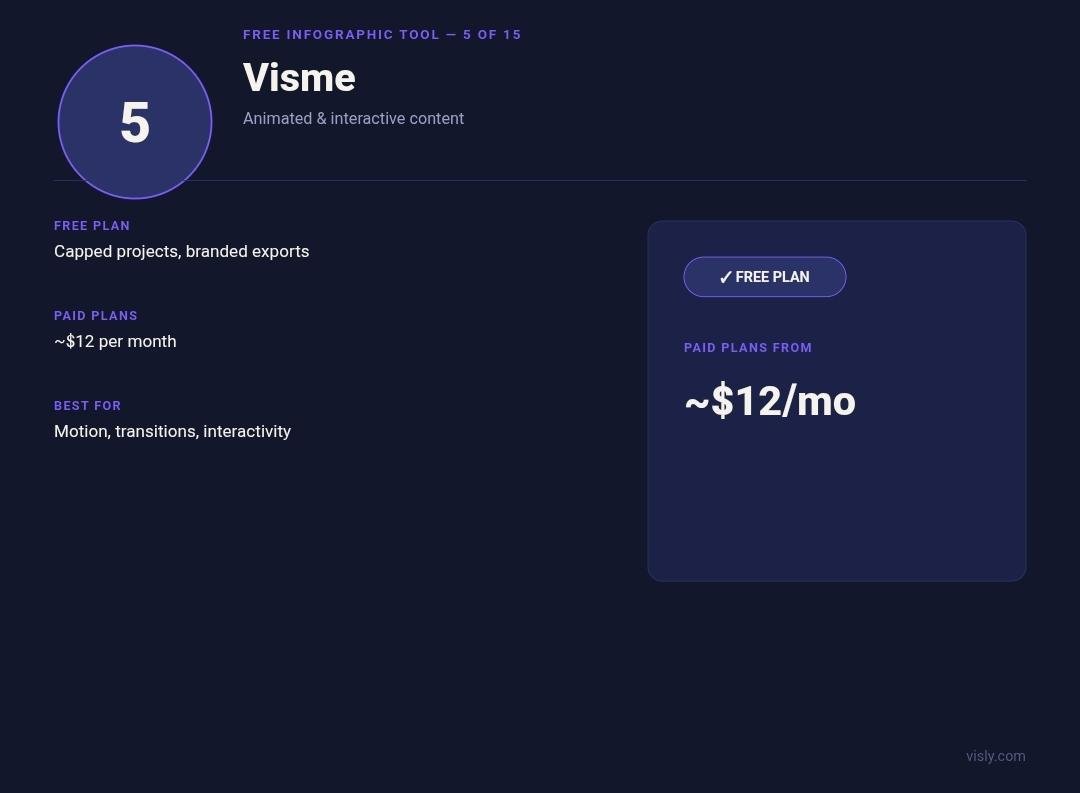
Visme is another powerful all-in-one visual content platform.
Its infographic maker provides professionally designed templates, charts, graphs, maps, diagrams, icons, photos, and interactive elements.
One of Visme's biggest strengths is that it goes beyond static infographics. You can create interactive content, presentations, reports, and other visual assets from the same platform. That makes it more suitable for people who need sophisticated visual communication rather than a simple social graphic.
6. Napkin AI: Best for Turning Ideas Into Visuals
Napkin AI is aimed at people who already have the information but don't want to manually figure out how to visualize it.
You can start with written content and use AI to turn concepts into diagrams and visual explanations. This makes it particularly interesting for writers, consultants, educators, and business professionals who work with text-heavy information. Its biggest strength is reducing the distance between "I have an idea" and "I have something visual."

7. Snappa: Best for Simple, Fast Infographics
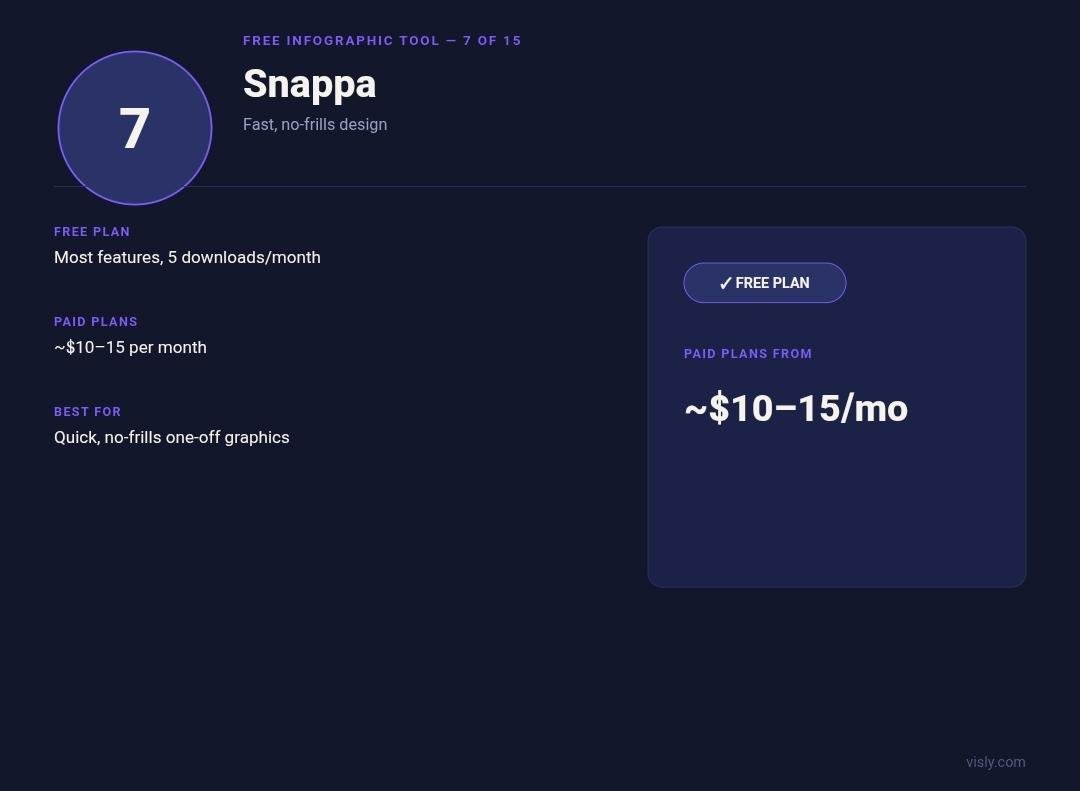
Snappa focuses on simplicity.
Its infographic maker provides preset infographic dimensions, templates, stock photos, graphics, shapes, and a straightforward drag-and-drop editor. Snappa is useful if you don't want to learn complicated design software and simply need to make a decent-looking infographic quickly. The trade-off is that it isn't designed for extremely complex data visualization.
8. Adobe Express: Best for Adobe Users
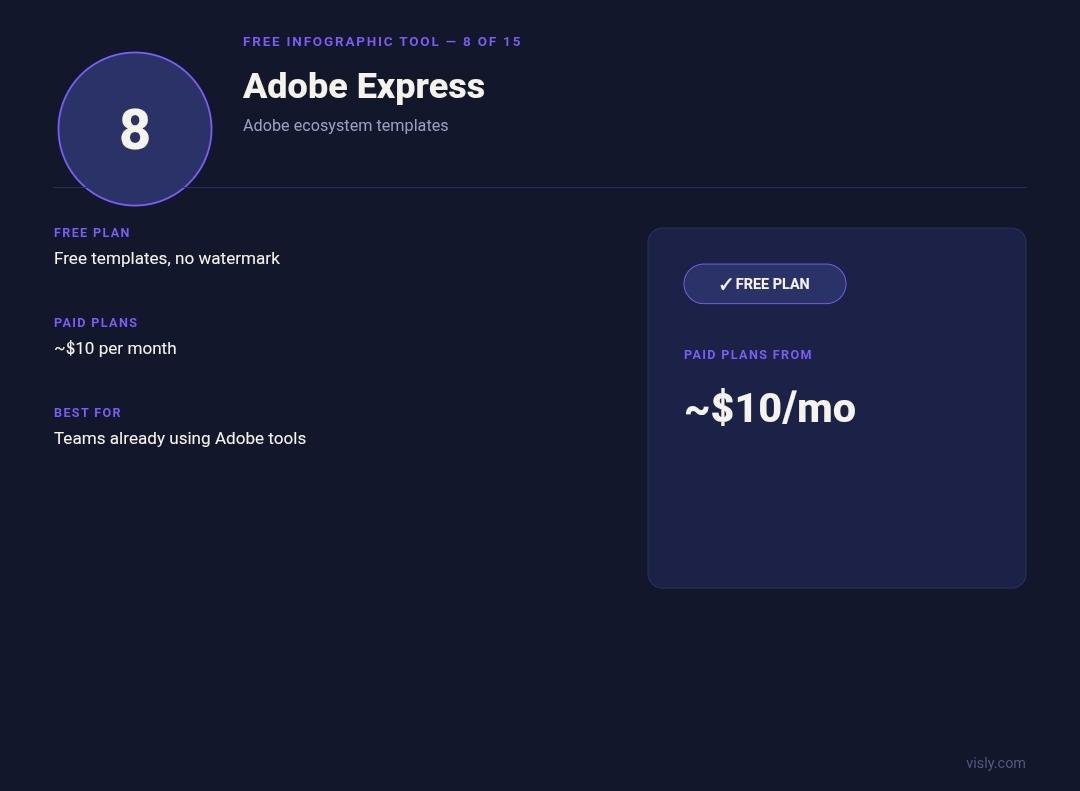
Adobe Express provides a free infographic maker with templates, images, icons, fonts, graphics, and AI-powered creation features.
It is particularly attractive for people already familiar with Adobe's ecosystem. Adobe Express also makes it easy to create other content such as social graphics, posters, presentations, and promotional materials. For straightforward infographics, it provides plenty of flexibility, though it remains a general-purpose tool.
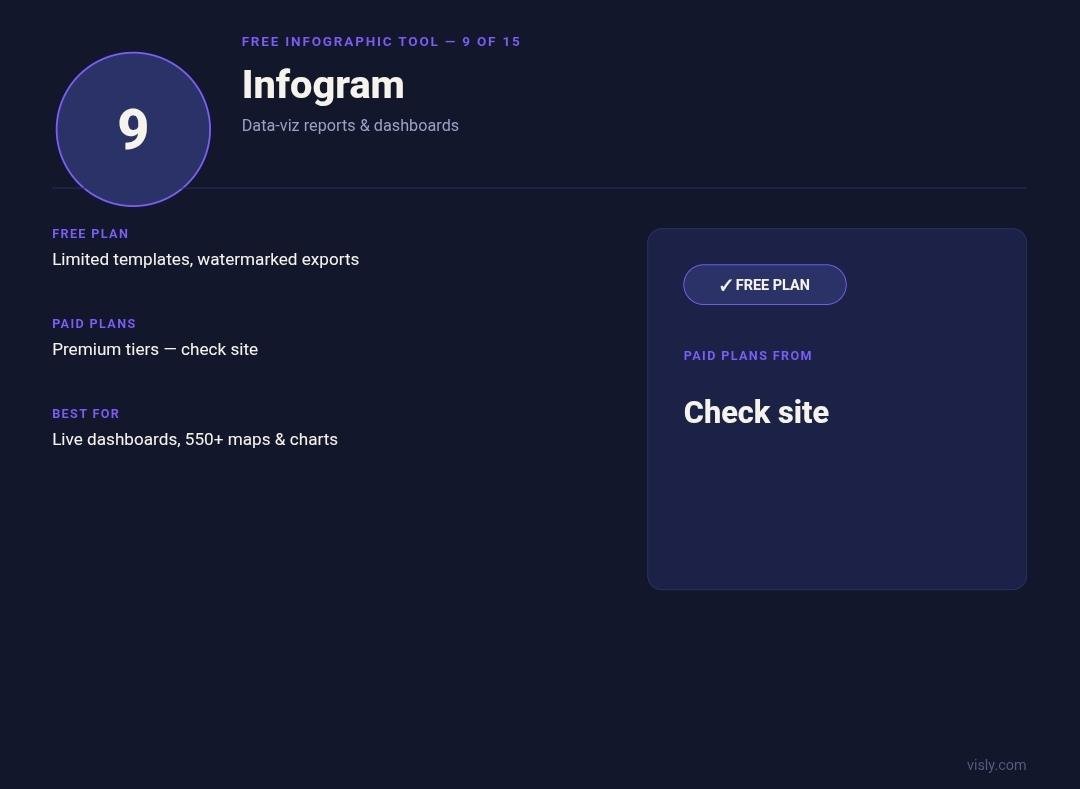
9. Infogram: Best for Data Visualization
Infogram focuses heavily on data.
It supports charts, maps, interactive visualizations, animations, and infographics. Its AI tools can also generate infographic projects from prompts or uploaded data files. If your infographic is essentially a story built around numbers, Infogram becomes particularly useful.
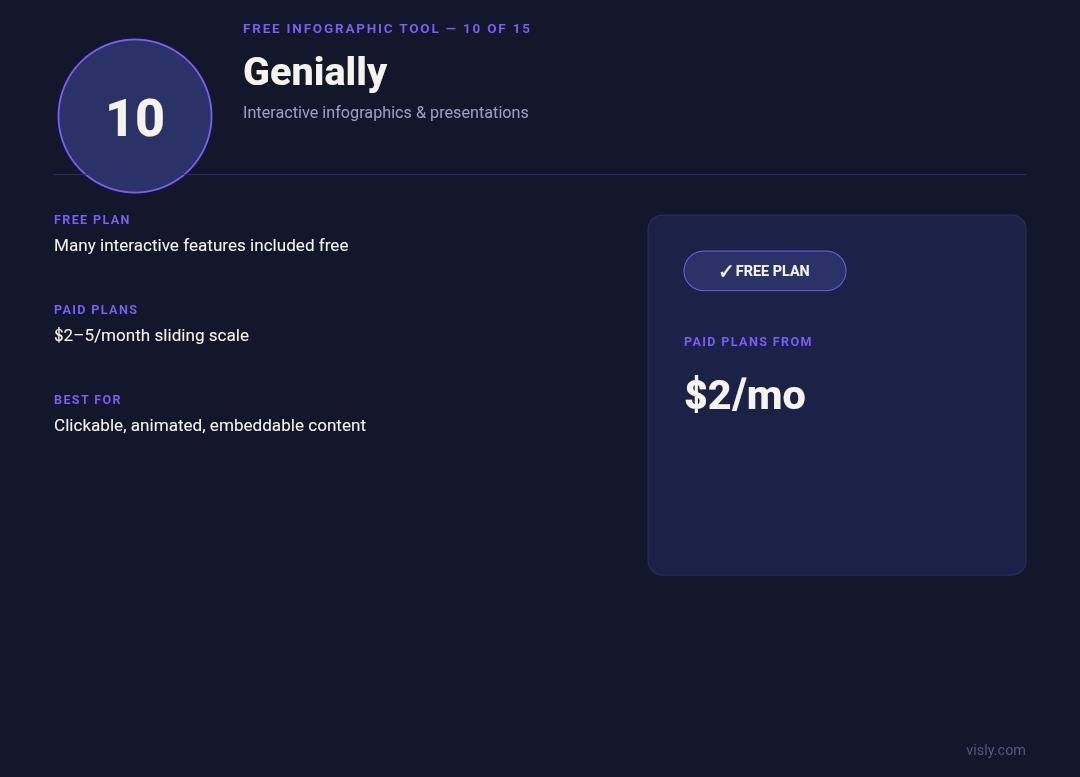
10. Genially: Best for Interactive Infographics
Genially is a strong choice when you want your infographic to do more than sit on a page.
Its platform supports interactive elements such as clickable areas, popups, animations, and embedded media. This makes Genially particularly interesting for education, presentations, training materials, and interactive storytelling.
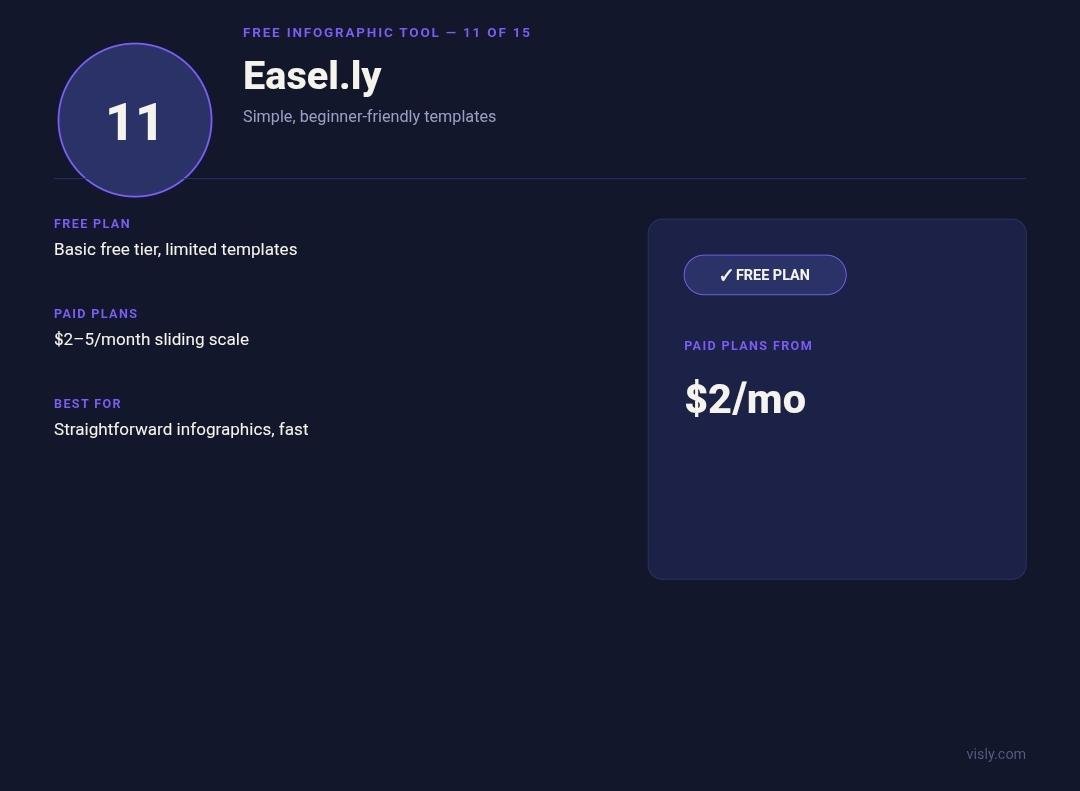
11. Easelly: Best for Simple Infographics
Easelly has been focused on infographic creation for years.
The platform offers infographic templates, icons, charts, images, and a simple editor. It is aimed at making infographic design approachable for people without professional design experience.
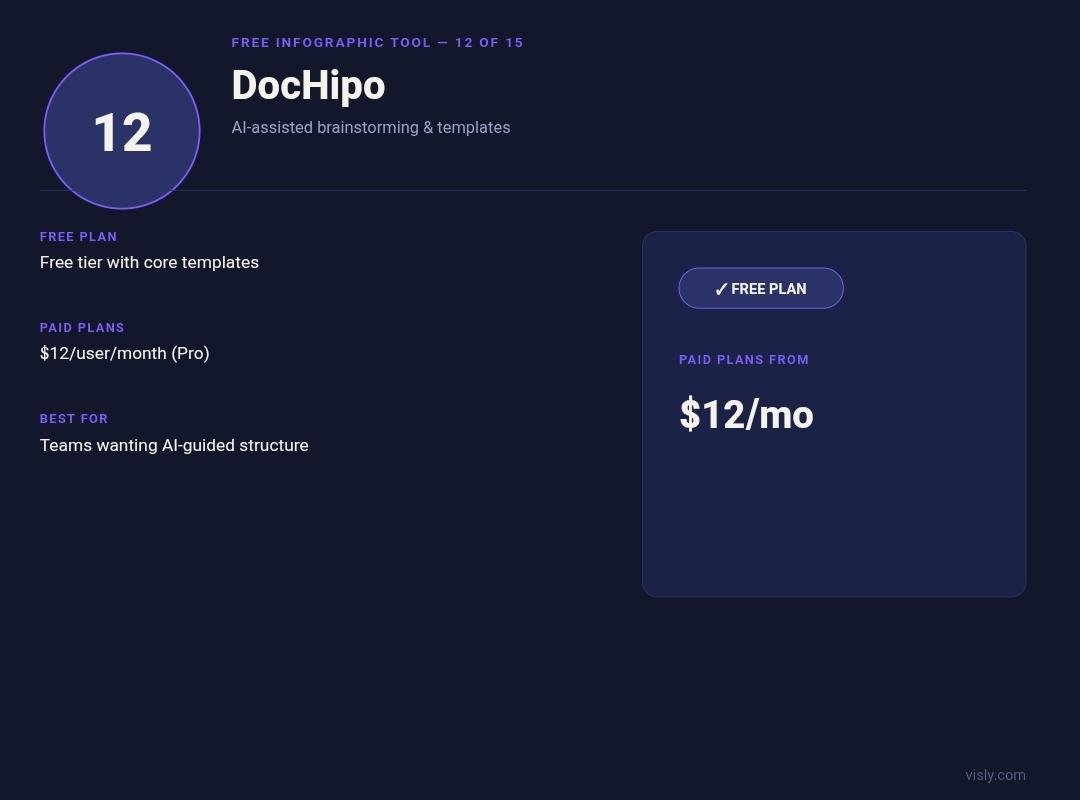
12. DocHipo: Best for Business Templates
DocHipo is a template-focused graphic design platform aimed largely at business users.
It provides templates for infographics, flyers, posters, presentations, social graphics, and other marketing materials. Its strength is getting users started quickly with professionally structured templates instead of asking them to build everything from scratch.
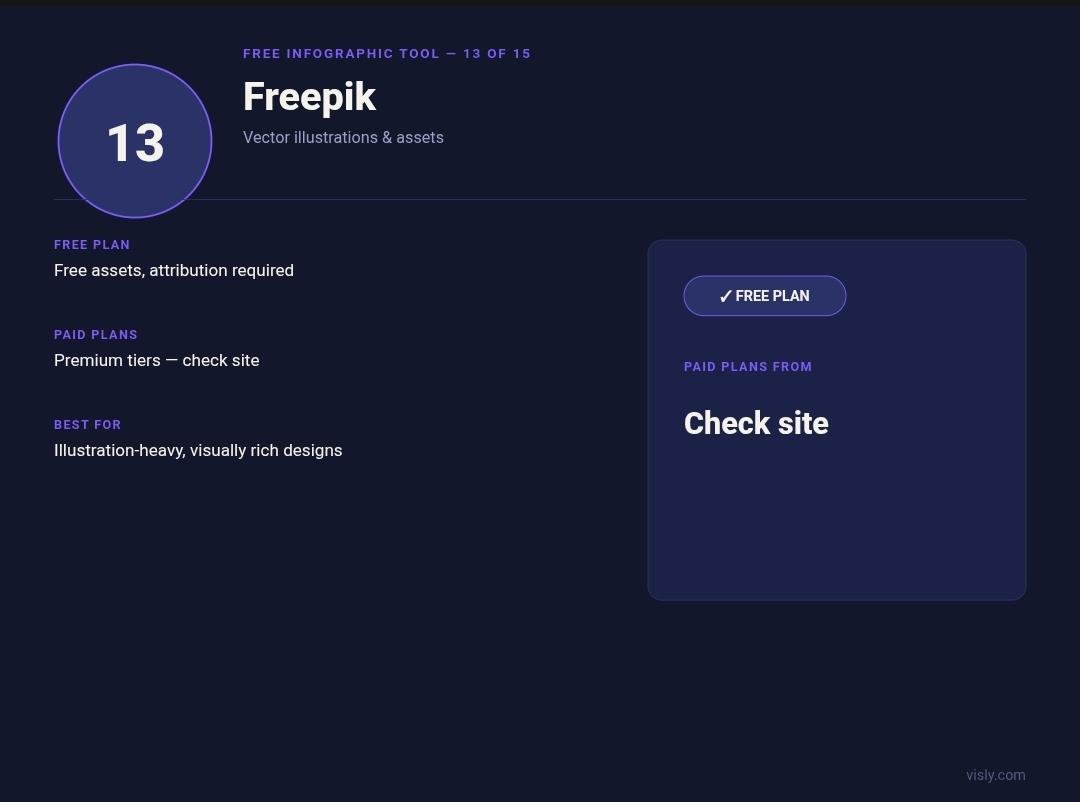
13. Freepik: Best for Design Assets
Freepik is better known as a huge design-resource platform than as a dedicated infographic generator.
However, its collection of templates, vectors, illustrations, icons, and AI-powered tools can be useful when building infographic content. The main advantage is the sheer amount of visual material available.
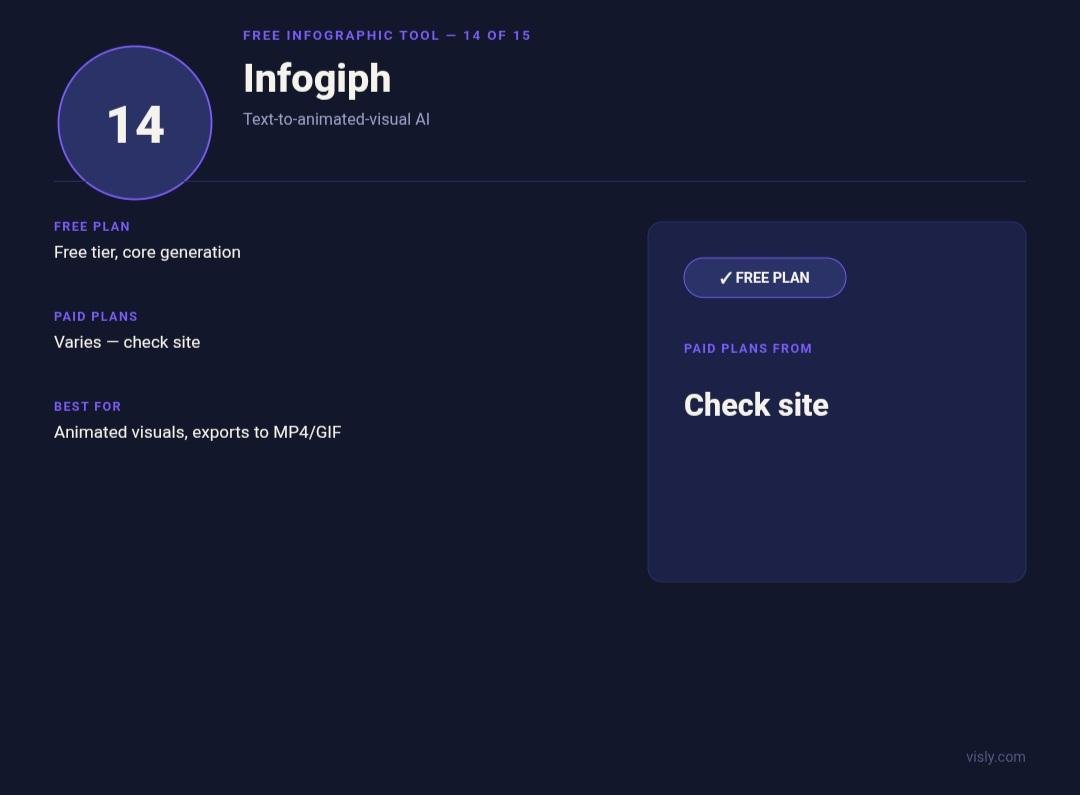
14. Infogiph: Best for Animated AI Diagrams
Infogiph takes an AI-first approach to infographic and diagram creation.
You can describe a visual in plain English and have the platform generate an editable diagram. It also focuses on animation, allowing users to export visuals as PNG, GIF, or MP4. This makes it interesting for technical diagrams, architecture diagrams, processes, and animated explainers.
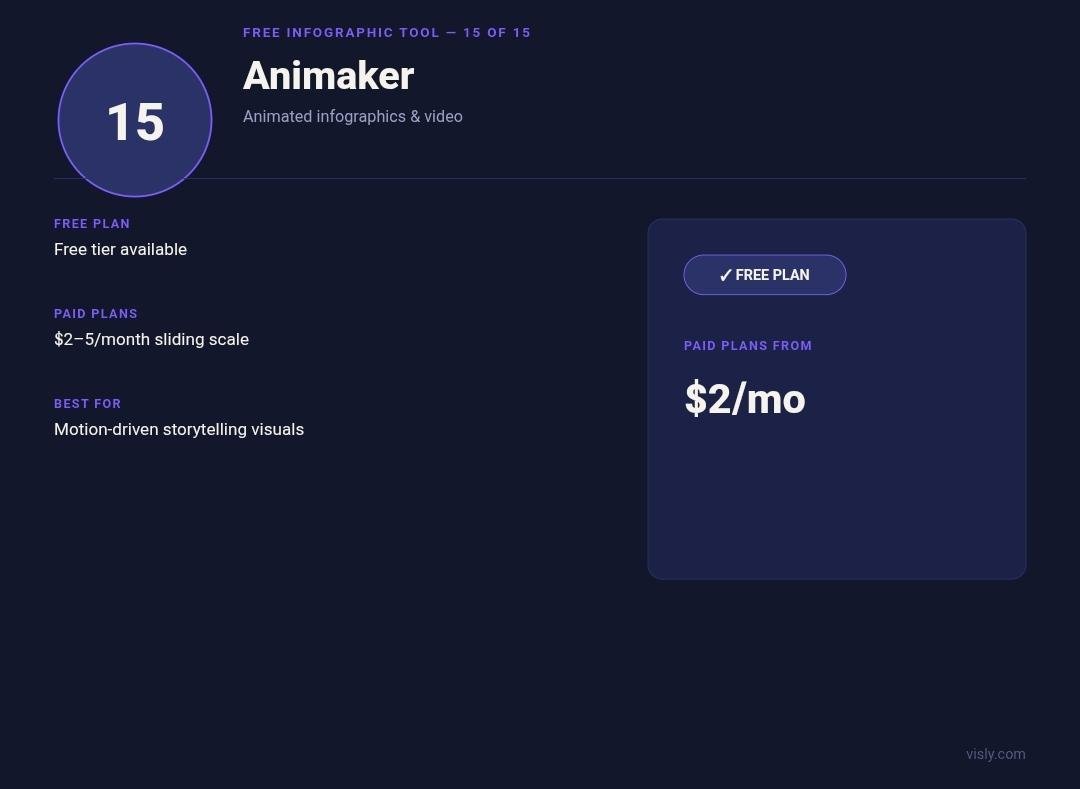
15. Animaker: Best for Animated Visual Storytelling
Animaker is primarily an animation and video creation platform rather than a traditional static infographic maker.
That can actually be useful when your information needs movement. You can build animated scenes, explainers, presentations, and infographic-style videos. The problem is time: if you only need a static infographic, creating an animated project can be unnecessary extra work.
Which Free Infographic Generator Should You Choose?
There isn't one tool that is perfect for every situation. Here is a quick breakdown to help you match your goals to the right software:
- ■For LinkedIn infographics with minimal manual design: Visly is the strongest option.
- ■For maximum design flexibility: Canva is hard to beat.
- ■For reports and data-heavy visuals: Piktochart and Venngage are excellent choices.
- ■For interactive content: Visme and Genially stand out.
- ■For data visualization: Infogram is worth considering.
- ■For animated diagrams: Infogiph and Animaker are better suited to that workflow.
| Tool | Best For | Free Option | Approach |
|---|---|---|---|
| 1. Visly | LinkedIn infographics & viral visuals | Free trial | AI One-Prompt / Text-to-Graphic |
| 2. Canva | General graphic design flexibility | Free plan (limits) | Drag-and-drop template editor |
| 3. Piktochart | Reports & data-heavy infographics | Free tier (limits) | Document & chart builder |
| 4. Venngage | Business & corporate communication | Free plan (watermark) | Business template editor |
| 5. Visme | Interactive content & presentations | Free plan (limits) | Multi-media visual platform |
| 6. Napkin AI | Turning ideas & notes into diagrams | Free tier (limits) | AI text-to-diagram |
| 7. Snappa | Fast, simple social media graphics | 3 downloads/mo | Lightweight drag-and-drop |
| 8. Adobe Express | Adobe ecosystem users & branding | Free plan | All-purpose design suite |
| 9. Infogram | Data visualization, maps & charts | Free plan (limits) | Data-driven chart platform |
| 10. Genially | Interactive visual storytelling | Free plan | Interactive multimedia creator |
| 11. Easelly | Beginners & basic education graphics | Limited free tier | Simple template editor |
| 12. DocHipo | Small business documents & flyers | Free plan | Document template builder |
| 13. Freepik | Massive vector & illustration assets | Free with attribution | Asset library & online editor |
| 14. Infogiph | Animated diagrams & technical flows | Limited free tier | AI animated diagram generator |
| 15. Animaker | Animated videos & kinetic stories | Free plan (watermark) | Video animation studio |
There's an important distinction between these tools: most traditional infographic makers give you a blank canvas and ask you to design the infographic yourself. AI-first tools try to reduce that work by generating the structure for you.
That's where Visly is particularly useful for LinkedIn creators. Instead of spending an hour adjusting templates, fonts, spacing, colors, and graphics, you can start with your content and let Visly turn it into a branded LinkedIn infographic in seconds.