
11 Best AI Infographic Generator Tools in 2026
A great infographic can turn a wall of text into something people understand in seconds.
Whether you're creating LinkedIn content, explaining a business process, presenting research, visualizing statistics, or making educational content, an infographic can make information easier to consume and remember.
The problem is that creating one traditionally takes time. You have to choose the right layout, organize the information, select colors and fonts, find illustrations, build charts, and make sure everything looks good together.
That's why infographic generator tools have become so popular in 2026. Some platforms still rely on templates and drag-and-drop editing. Others use AI to generate the visual for you.
We've ranked 11 of the best free and pro infographic generator tools in 2026, starting with the tool we think is best overall for modern content creators.
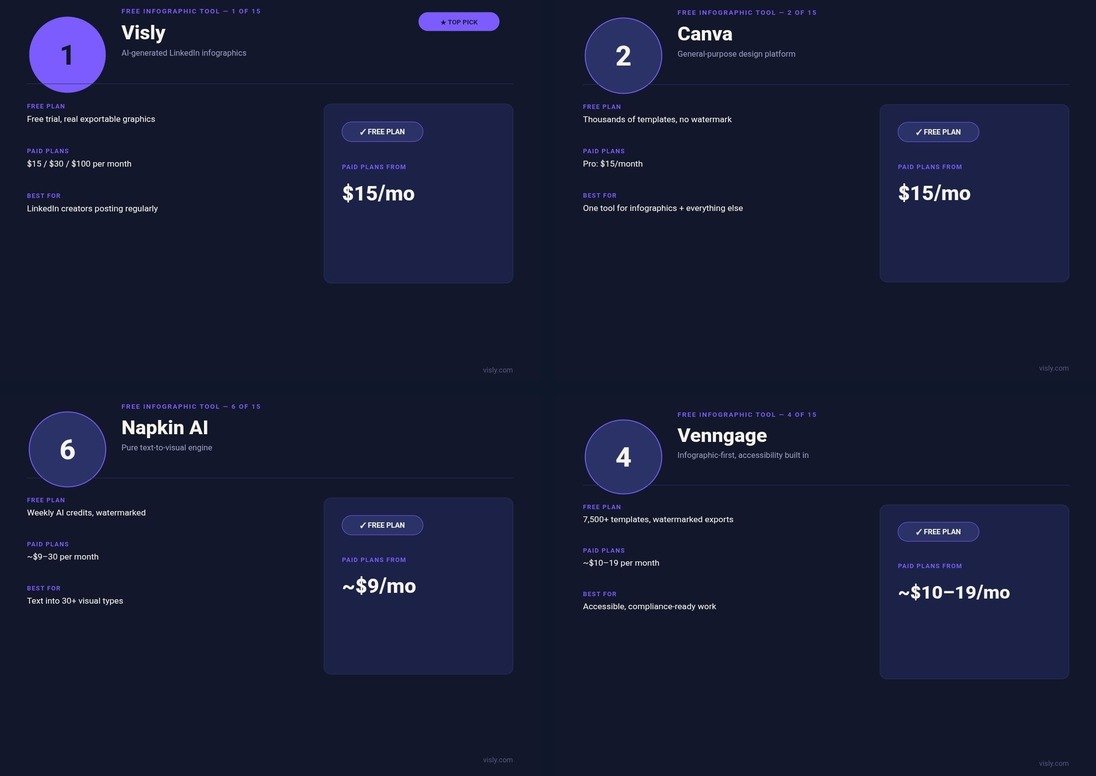
1. Visly: Best Overall for LinkedIn Infographics
Visly is an AI infographic generator built specifically around the needs of LinkedIn creators.
Rather than making you start with a blank canvas, Visly lets you start with the thing you already have: your content.
You can paste your content, provide a LinkedIn post URL, or describe your idea in a simple prompt. Visly then turns it into a polished infographic designed for LinkedIn.
This approach solves one of the biggest problems with traditional design tools. You might know exactly what you want to say, but that doesn't mean you know how to turn it into a good visual. Visly handles much of that design process for you.
You can also set your brand colors and fonts so your visuals remain consistent instead of looking like a collection of unrelated templates.
Why Visly is #1:
- ■Built specifically for LinkedIn creators and thought leaders
- ■AI-powered infographic and diagram generation from text
- ■Start from a single sentence, post outline, or existing link
- ■Designed for on-brand output with custom brand palettes
- ■Minimal design work required, skips template fatigue
- ■Fast generation: under 60 seconds per visual
- ■Ideal for founders, marketers, creators, and ghostwriters
For someone publishing LinkedIn content consistently, saving time on every individual infographic can add up quickly.
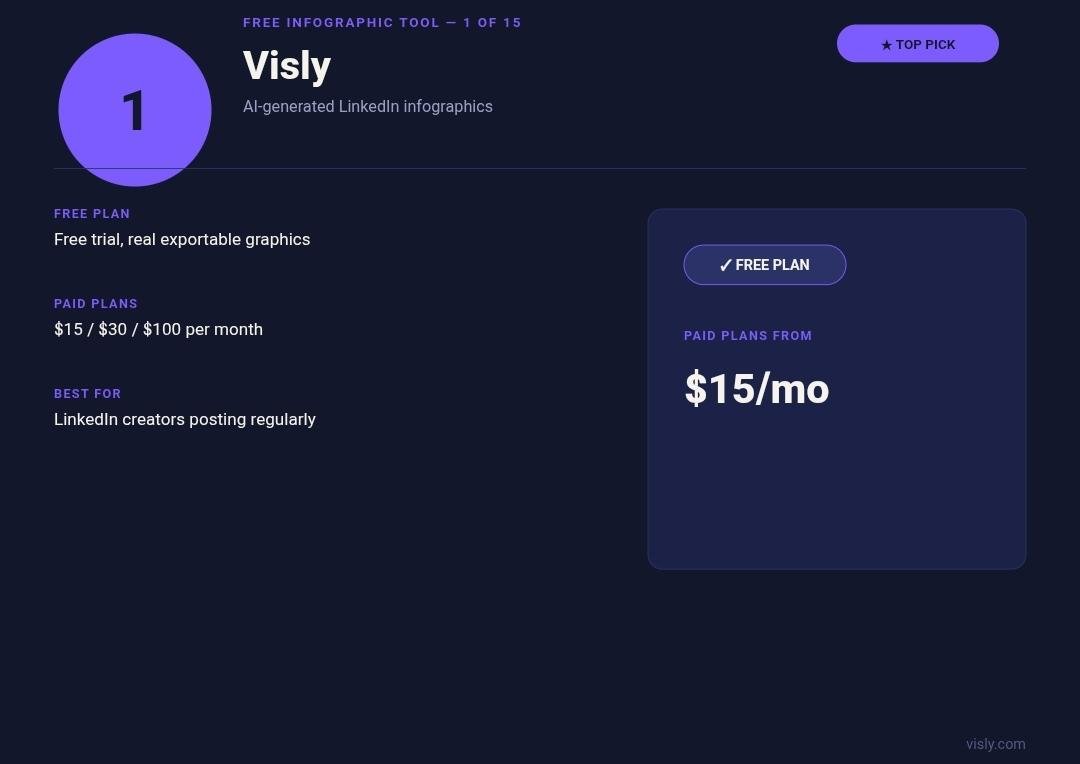
2. Canva: Best Free Infographic Maker for Flexibility
Canva is one of the most versatile design platforms available.
Its infographic maker gives users an easy drag-and-drop editor, a huge template library, illustrations, graphics, and AI-powered features.
The biggest advantage is that Canva isn't limited to infographics. You can use it for social media graphics, presentations, posters, documents, advertisements, thumbnails, and almost every other common visual format. That makes Canva a particularly good option if you don't want to subscribe to multiple design tools.
However, there is still a learning curve when you want to make highly customized infographics. Canva gives you the tools, but you are still responsible for much of the design process.
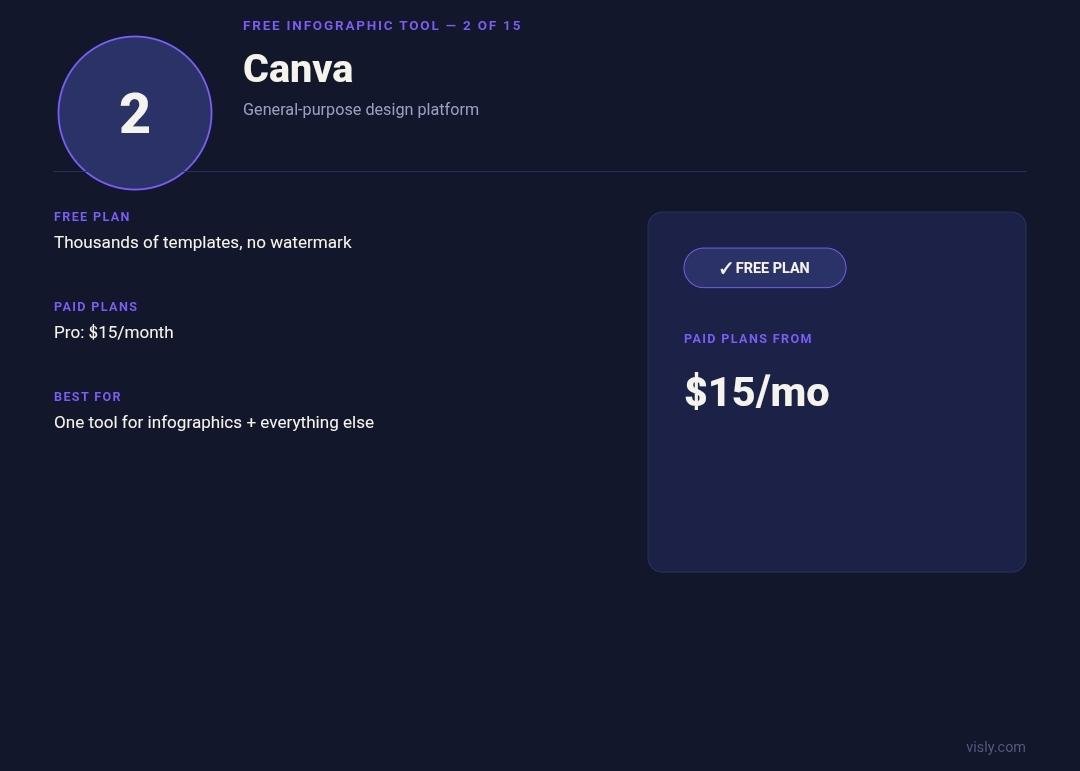
3. Piktochart: Best for Reports and Data-Heavy Infographics
Piktochart is built with information-heavy visual communication in mind.
You can use it to create infographics, reports, presentations, posters, and charts. Its AI tools can also turn prompts, text, or uploaded documents into visual content. Piktochart works especially well when your infographic has a clear information structure:
- ■Annual reports and whitepapers
- ■Research findings and surveys
- ■Educational material and curriculum summaries
- ■Business statistics and benchmark metrics
- ■Step-by-step operational processes
Its templates and blocks make it easier to organize a lot of information without designing every element from scratch.
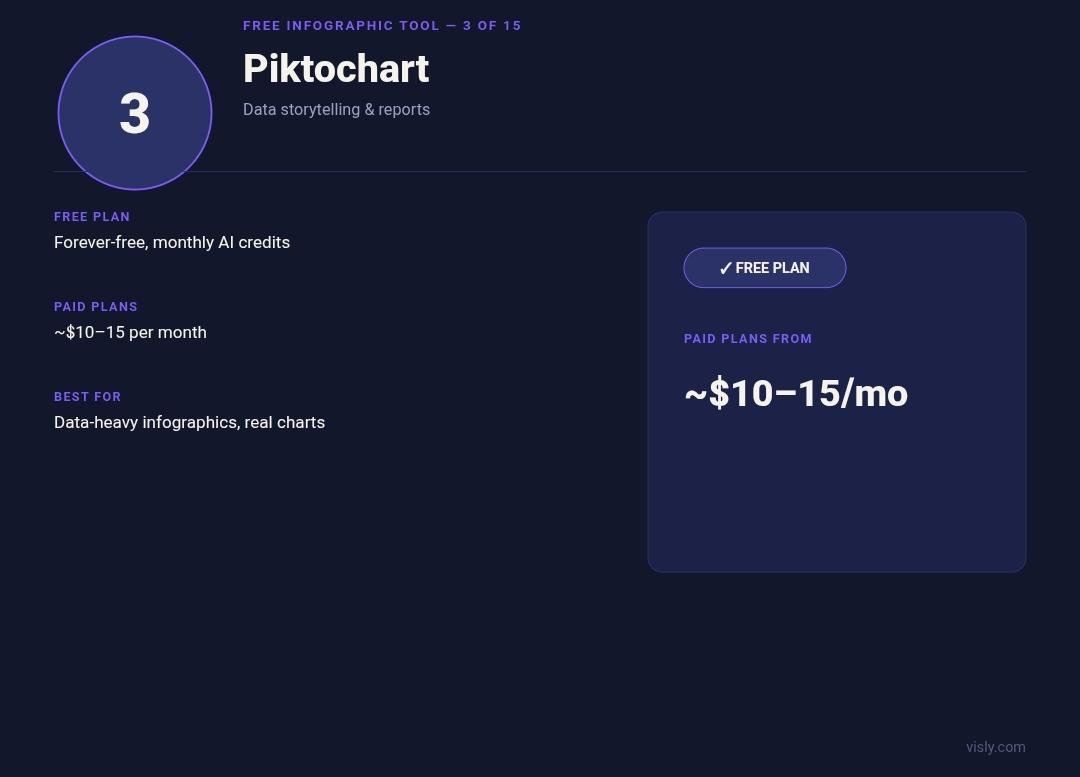
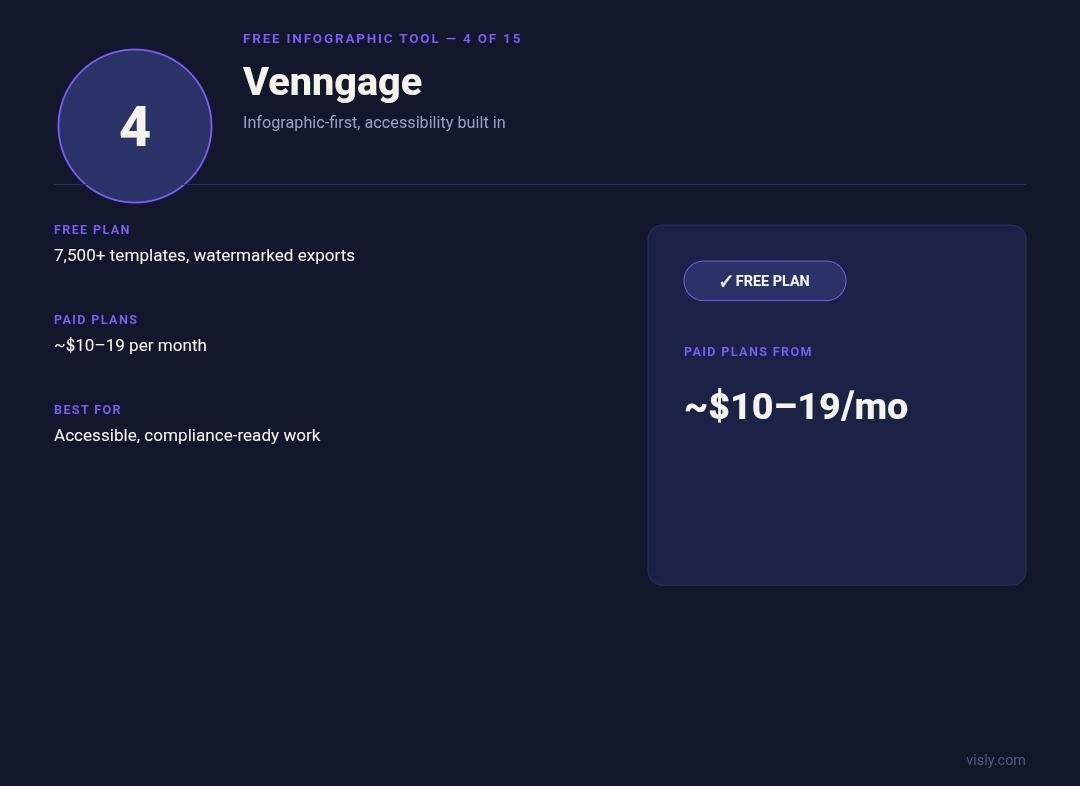
4. Venngage: Best for Business Infographics
Venngage is another excellent choice for professional infographic creation.
Its platform focuses heavily on business communication, with templates for statistical, process, comparison, timeline, and list infographics. Venngage also includes AI-powered infographic generation, charts, icons, and branding tools.
This is particularly useful for businesses that need to create multiple infographics while maintaining a consistent visual identity. If you're producing marketing reports, sales materials, HR documents, or business presentations, Venngage is worth trying.
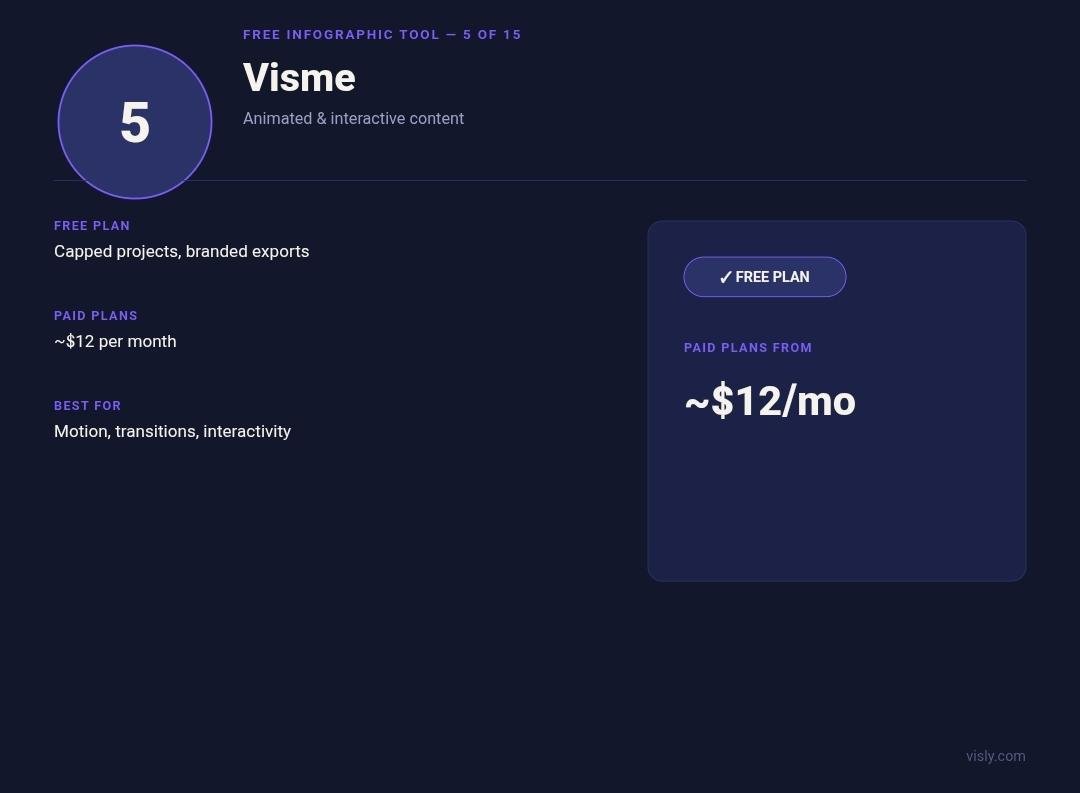
5. Visme: Best for Interactive Infographics
Visme goes beyond basic static infographic design.
Its platform includes infographic templates, charts, graphs, maps, diagrams, images, icons, and interactive content. This makes Visme particularly useful when you want your audience to interact with the information rather than simply view a static image.
The downside is that the number of options can make Visme feel more complex than a simple infographic generator.
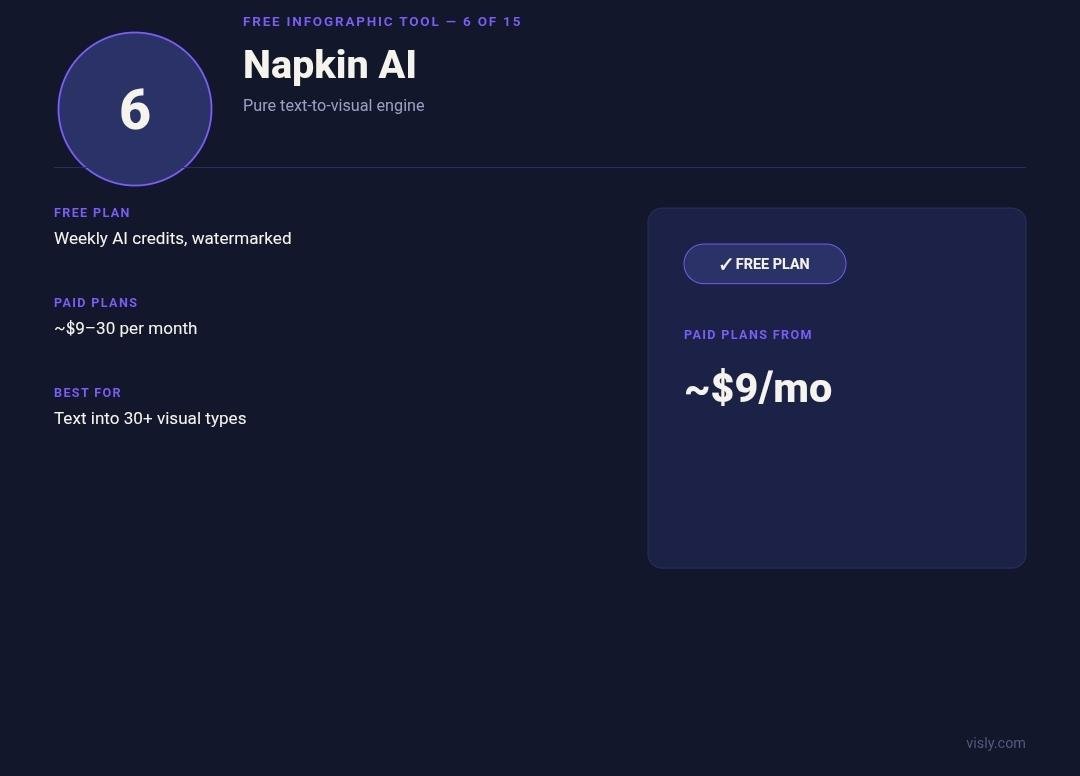
6. Napkin AI: Best for Turning Text Into Visual Ideas
Napkin AI is designed around a simple concept: start with text and turn it into visuals.
This makes it useful for people who are naturally better at writing than designing. You can use it to visualize concepts, processes, relationships, and ideas without manually constructing every shape and connection.
It isn't necessarily the best choice when you need a highly polished social-media infographic with strict brand guidelines, but it can be excellent for turning an idea into a visual starting point.
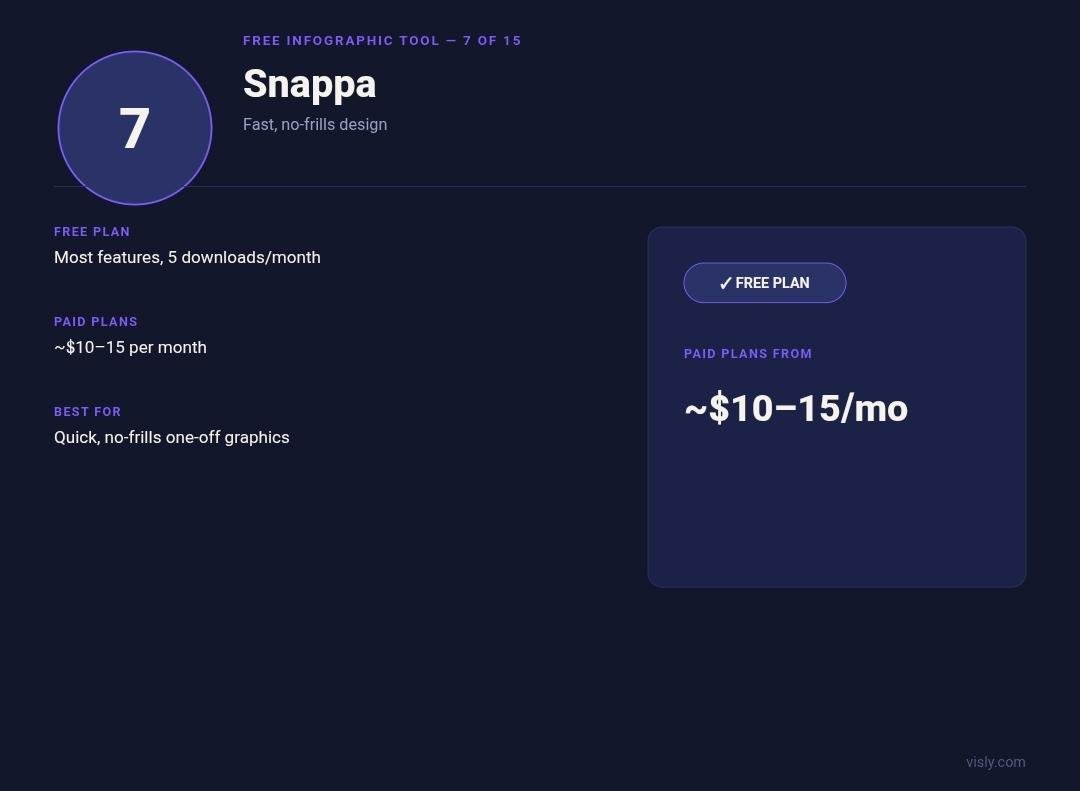
7. Snappa: Best for Quick Infographics
Snappa is focused on speed.
Its infographic maker includes preset dimensions, templates, stock photos, graphics, shapes, and a simple editor designed for non-designers. Instead of overwhelming users with hundreds of advanced design controls, Snappa keeps the process relatively straightforward.
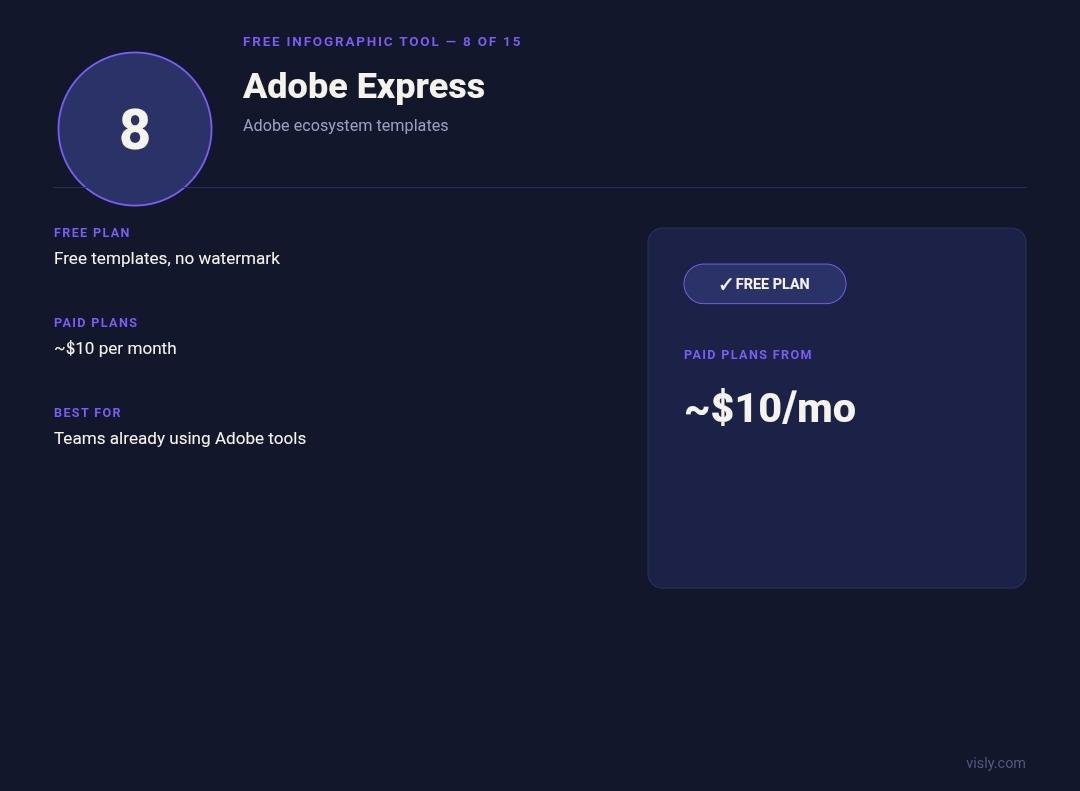
8. Adobe Express: Best for Quick Branded Visuals
Adobe Express provides a free infographic maker with templates, fonts, graphics, images, and AI-powered creation features.
If you're already using Adobe products, Express can be a convenient place to create social media graphics, promotional material, presentations, and infographics without switching to another platform. It is particularly good for simple, polished designs.
9. Infogram: Best for Data Visualization
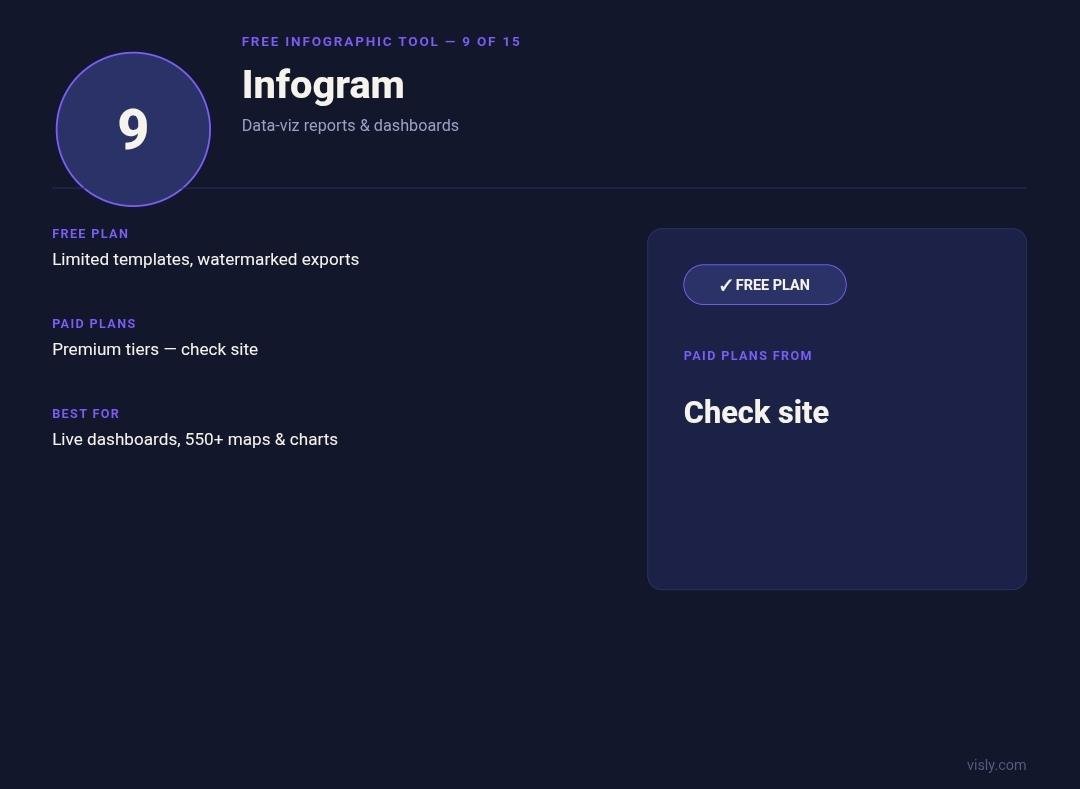
Infogram is the tool to consider when numbers are the heart of your infographic.
It focuses on data visualization and supports charts, maps, interactive elements, animations, and infographics. Its AI tools can also create infographic projects from prompts and uploaded data:
- ■Statistical benchmarking & KPI dashboards
- ■Survey analysis and market studies
- ■Financial reports and data journalism
- ■Interactive data maps and geography visuals
10. Genially: Best for Interactive Content
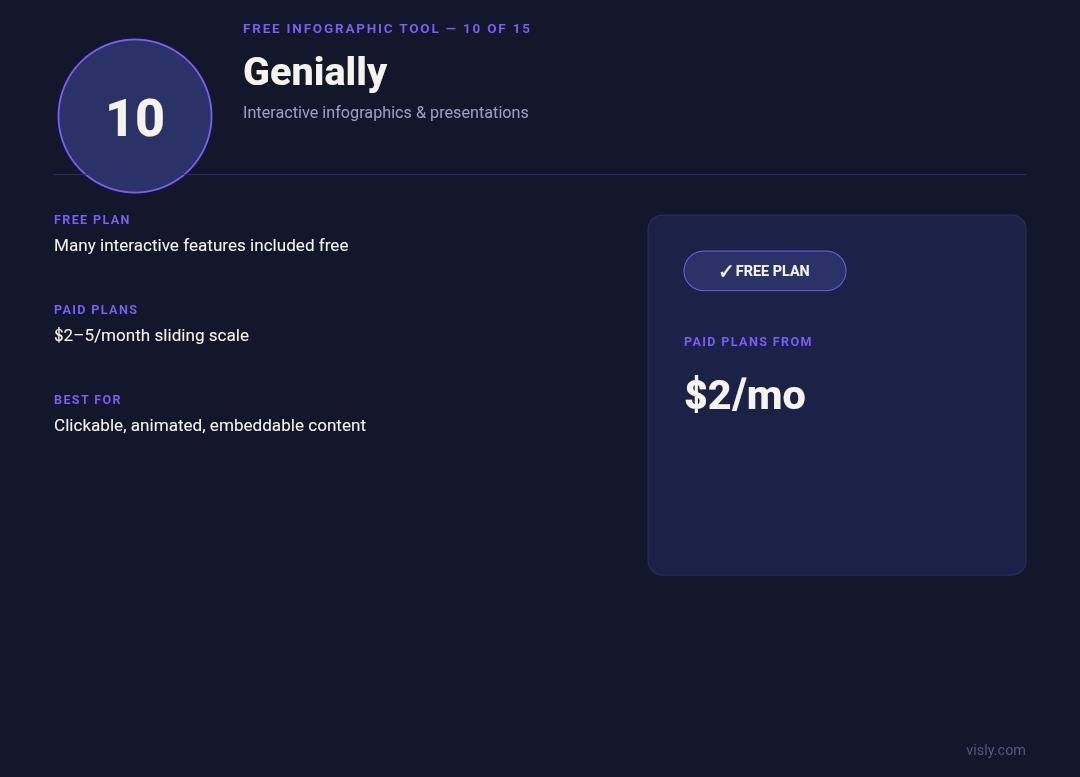
Genially is ideal when you want to make an infographic interactive.
Instead of creating a graphic that simply displays information, Genially allows you to add interactive elements such as clickable areas, popups, animations, and video. This is especially useful for education, training, presentations, and interactive storytelling.
11. Easelly: Best for Beginner-Friendly Infographics
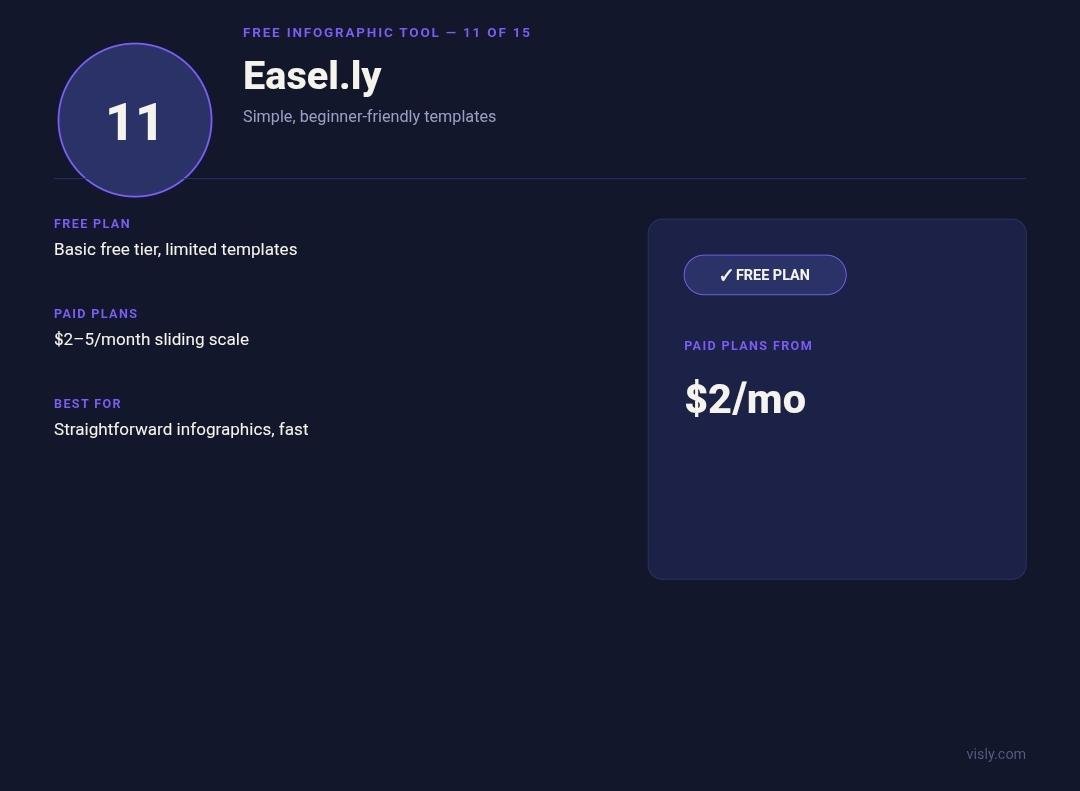
Easelly is one of the more straightforward infographic-focused tools on this list.
It offers infographic templates, charts, icons, images, and basic design tools. The platform has historically focused specifically on making infographic creation accessible to non-designers.
What Is the Best Free Infographic Generator in 2026?
The answer depends on what you're trying to create:
- ■If you want maximum flexibility: Canva is an excellent choice.
- ■If you need data-heavy reports: Piktochart, Venngage, and Infogram are strong options.
- ■If you want interactive content: Visme and Genially stand out.
- ■If you want to turn written ideas into visuals: Napkin AI is worth exploring.
- ■If you're a LinkedIn creator: Visly is the standout option for turning text into polished, branded infographics without spending an hour designing each one.
| Tool | Best For | Free Option | Key Specialty |
|---|---|---|---|
| 1. Visly | LinkedIn infographics & viral visuals | Free trial | AI Prompt-to-Graphic / Auto-Layout |
| 2. Canva | General graphic design & multi-channel | Free plan | Drag-and-drop template editor |
| 3. Piktochart | Data-heavy reports & research | Free tier (caps) | Document & structured chart builder |
| 4. Venngage | Corporate business reports & HR | Free tier (watermark) | Business template & branding tools |
| 5. Visme | Interactive content & presentations | Free tier | Multimedia interactive diagrams |
| 6. Napkin AI | Text & notes to visual diagrams | Free tier | AI text-to-diagram converter |
| 7. Snappa | Quick social graphics without fuss | 3 downloads/mo | Simple preset canvas editor |
| 8. Adobe Express | Adobe ecosystem users & branding | Free plan | Adobe cloud suite & AI features |
| 9. Infogram | Data visualization, maps & charts | Free plan | Interactive numbers & charts |
| 10. Genially | Interactive visual storytelling | Free plan | Clickable animation & popups |
| 11. Easelly | Beginners & basic education visuals | Limited tier | Beginner-friendly template editor |
Traditional design tools give you the tools to make an infographic. Visly is designed to help you skip much of the design process altogether. You provide the idea or content; Visly turns it into a LinkedIn-ready visual. That difference matters when you're publishing consistently.