
Asymmetrical Balance: How to Make “Off-Center” Look Intentional
Let’s start with a confession. Most people default to putting everything in the middle.
Headline in the center. Image in the center. Button in the center. It feels safe, and it looks fine. It also looks like everyone else’s.
Then you see a graphic with a big bold headline shoved to one side, a small element tucked into the opposite corner, and a lot of space in between. It’s lopsided, and somehow it looks better. More confident. More designed.
That’s asymmetrical balance. It’s one of those principles that sounds fancy but is easy to use once you get the idea. Let’s walk through it.
So, What Is Asymmetrical Balance?
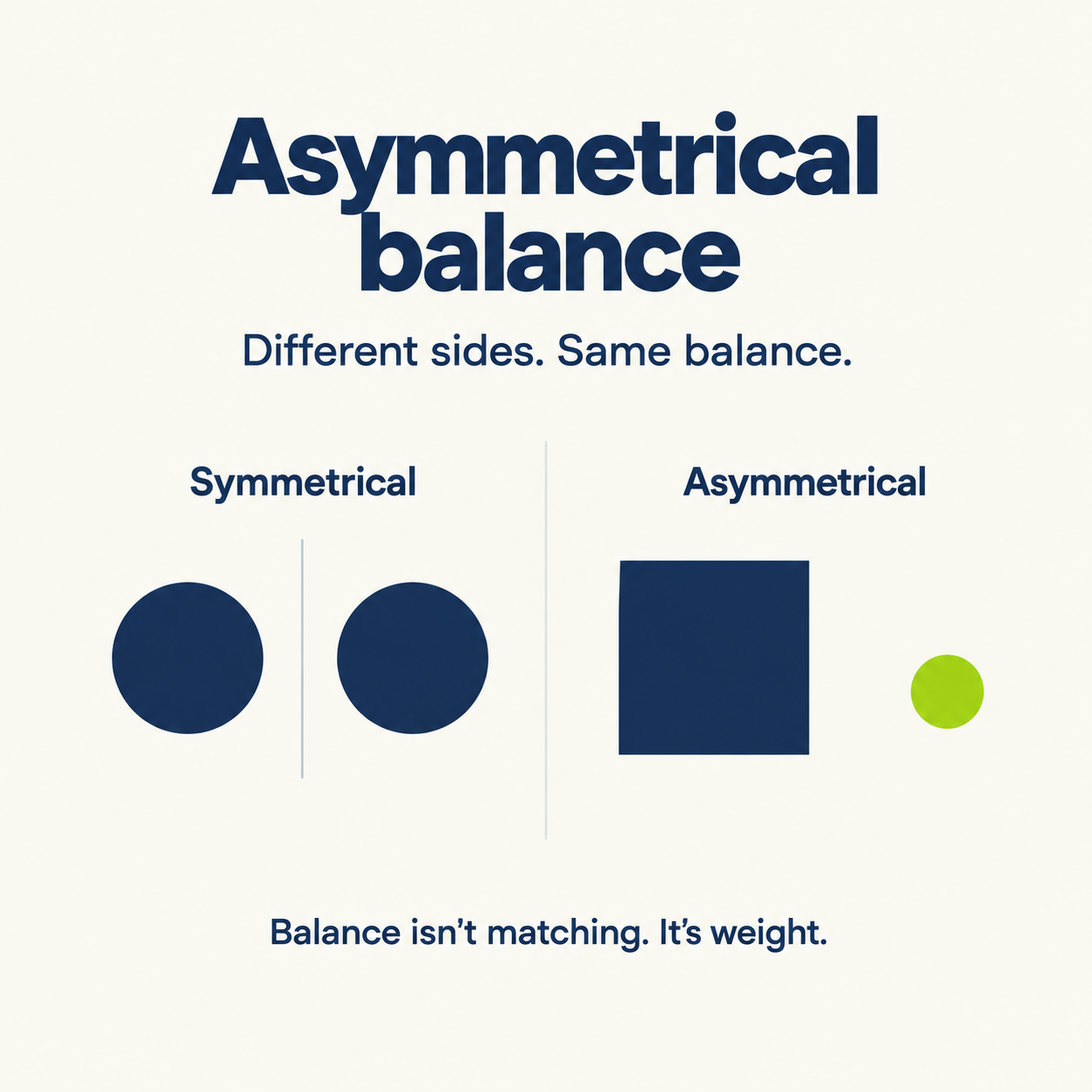
It’s a layout where the two sides are different, but the design still feels balanced.
Picture cutting your graphic down the middle. In a symmetrical design, the two halves look like mirror images. In an asymmetrical one, they don’t match at all, but neither side feels like it’s about to tip over.
The trick is that balance isn’t about matching. It’s about weight.
The Idea Behind It: Visual Weight
Every element in a design has a kind of weight. It’s how strongly it pulls your eye.
A few things make something “heavier”:
Size: bigger things weigh more.
Color: bright, warm, and saturated colors pull harder than pale, cool ones. A small splash of orange can balance a much larger grey shape.
Contrast: a dark element on a light background feels heavier than a faint one.
Detail: a busy, textured area weighs more than a flat, plain one.
Position: things far from the center act like a long lever, so they carry more weight than things near it.
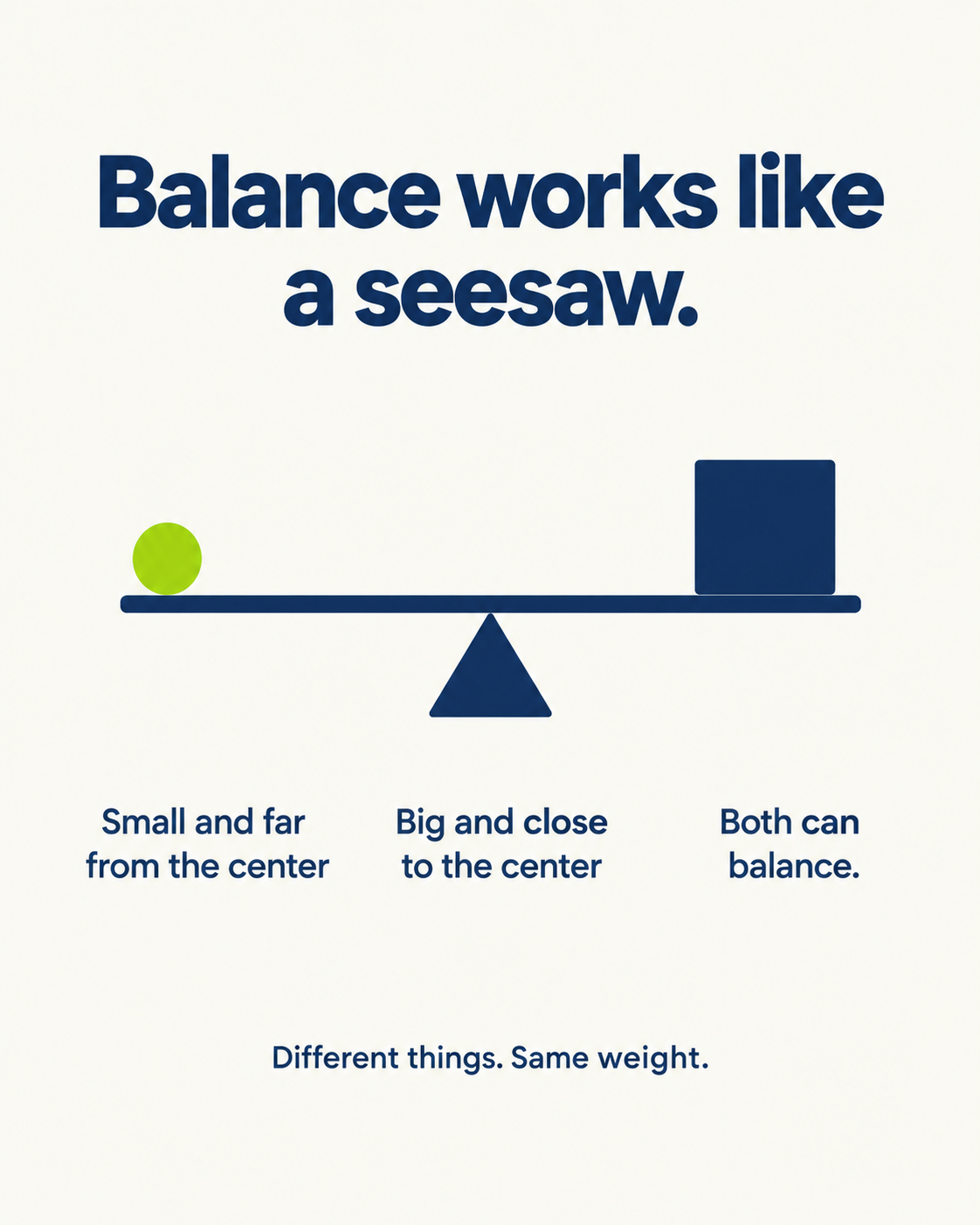
Think of a seesaw. A big kid sitting near the middle can be balanced by a small kid sitting way out at the end. Nobody’s identical, and it still works. That’s your layout.
Why Not Just Use Symmetry?
You can. Symmetry is the safe choice. It feels formal, stable and orderly, which is great for things like certificates, wedding invitations or a very serious corporate announcement.
The downside is that it’s static. Everything sits still, and the eye has no path to follow.
Asymmetry adds movement. Your eye starts at the heavy element, travels across the space, and lands on the next thing. That path is what lets you control the order people read your graphic in, which ties straight into emphasis. On a feed, where people give you about a second, that path matters.
5 Ways to Make It Work
Here’s the practical part. These are the five moves I’d reach for first.
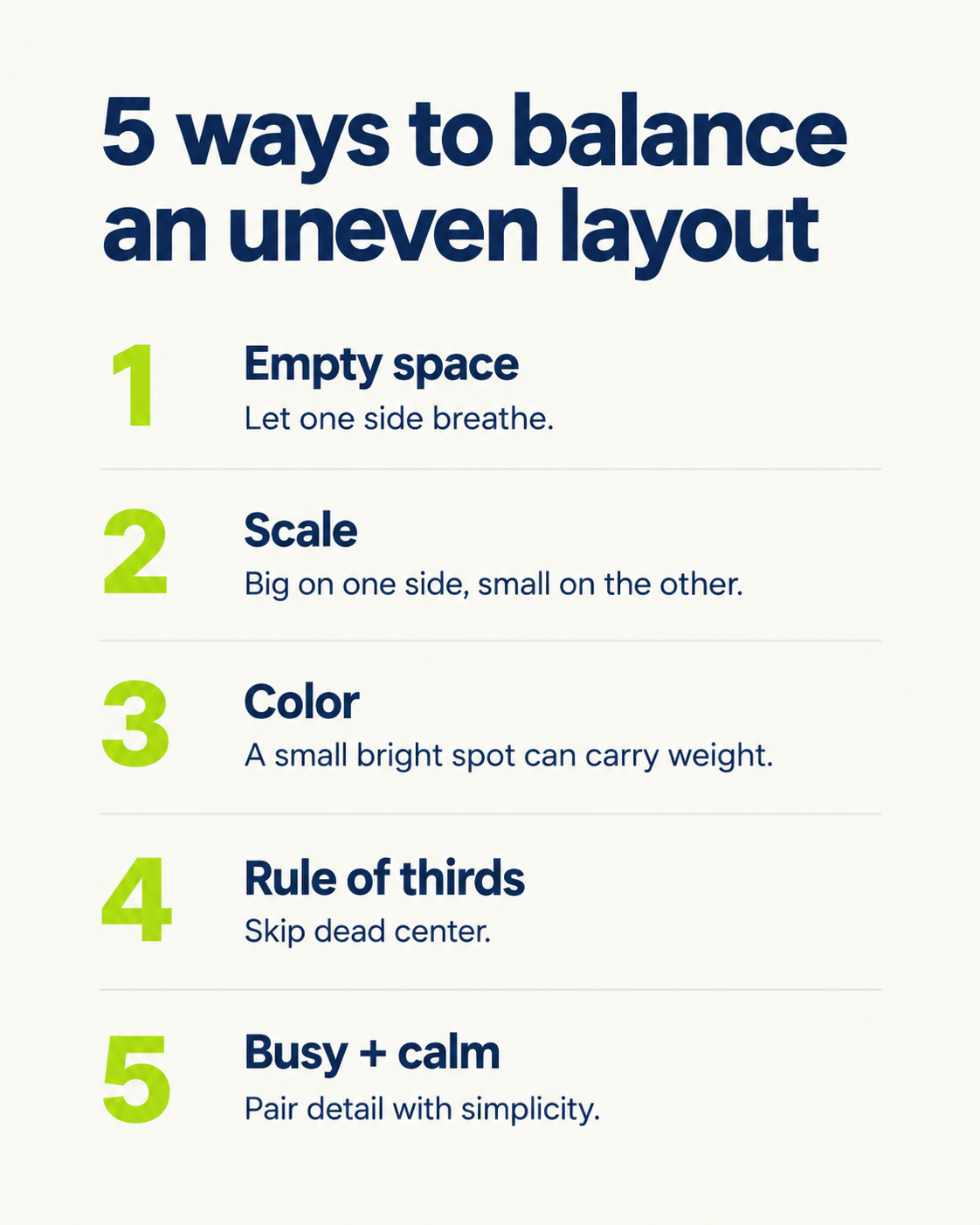
1. Use empty space on purpose
Don’t feel like every inch needs content. A big headline on the left and a wide-open area on the right can look perfectly balanced, because the empty space counts too.
It’s also the quickest fix for crowded graphics. If your infographic feels busy, push the content to one side and let the other side breathe.
2. Play with scale
Make one thing big and let smaller things support it from the other side.
For example, put a huge number on the left (“73%”) and a small line of explanation on the right. The number carries the weight, and the text balances it by sitting further out.
3. Let color do the heavy lifting
This one’s fun. A tiny, bright element can balance a big, quiet one.
Think of a mostly grey graphic with one small lime green badge in the corner. Your eye goes straight to the badge, so it carries more weight than its size suggests. Use this for the thing you most want noticed, and keep the accent color’s job the same from post to post. That consistency is called unity, and it’s what makes a feed look like one brand.
4. Try the rule of thirds
Picture your canvas cut into a 3 by 3 grid, like a tic-tac-toe board. Instead of putting your main element in the center, place it where two lines cross.
That off-center spot feels natural, and the rest of the canvas becomes the counterweight. It’s the easiest way to stop defaulting to dead center.
5. Mix busy with calm
Pair something detailed with something simple. A complex chart on one side, a clean headline on the other. The mix keeps your eye moving instead of getting stuck.
Let’s See It on a LinkedIn Graphic
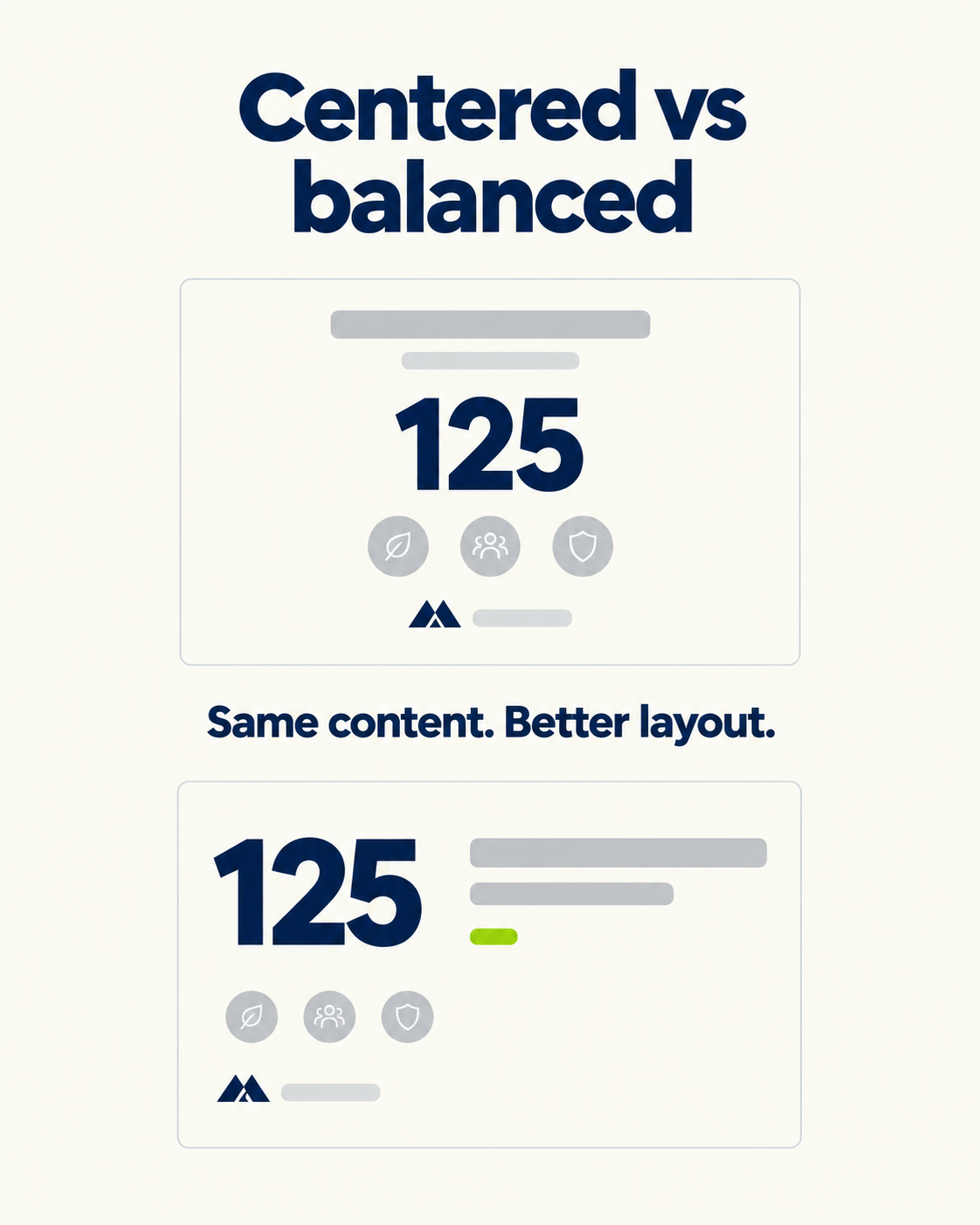
Here’s a quick before and after for a typical LinkedIn infographic.
Before: a centered headline, a centered stat, three centered icons, and a centered logo at the bottom. Everything’s tidy. Nothing stands out.
After: the stat is huge and sits in the left third. The headline is smaller and sits top right. A small lime accent marks the key word. The bottom right is empty. The logo sits quietly in the corner.
Same content, but the second one has a clear entry point, a clear path, and some personality.
The Mistake That Ruins It
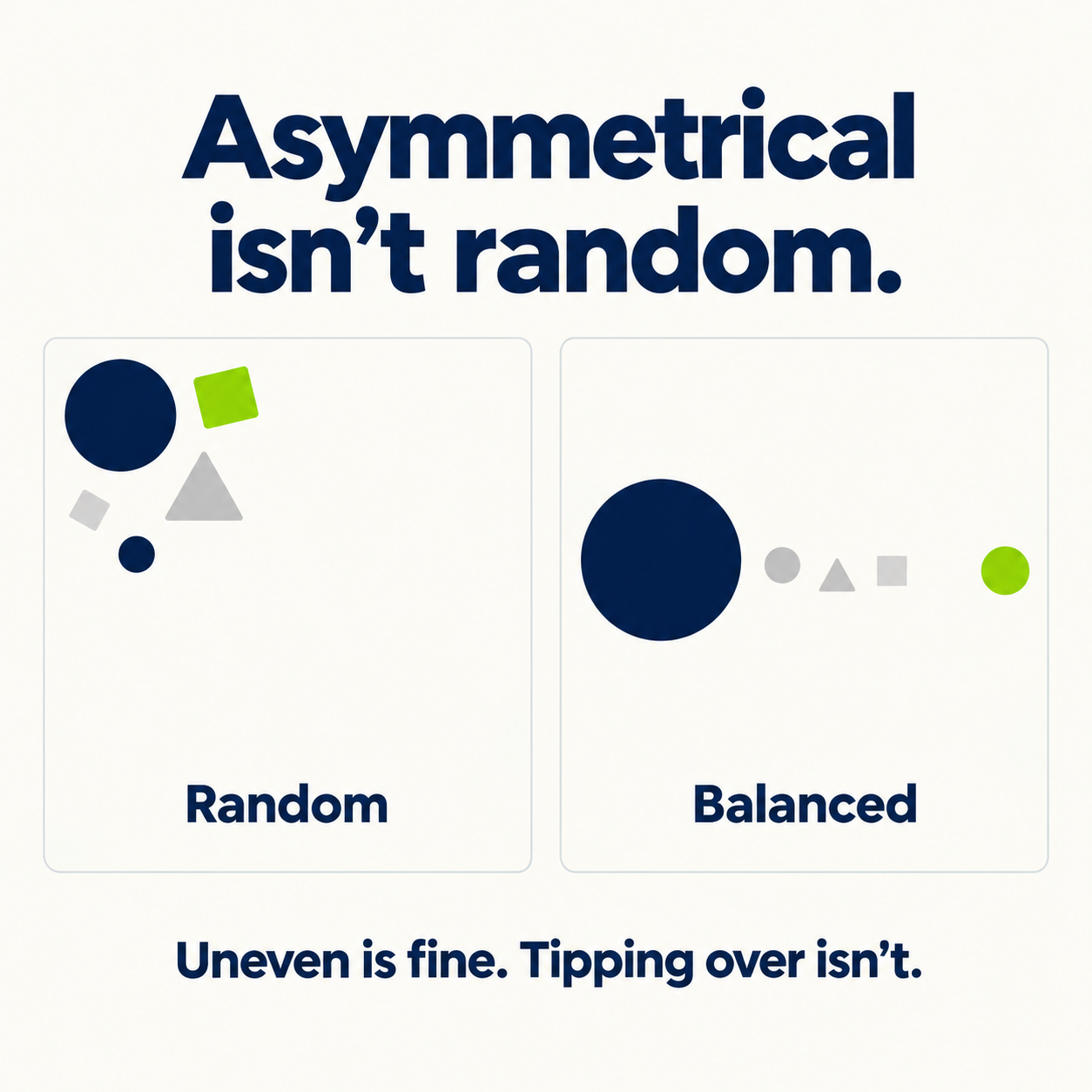
Here’s where people go wrong. Asymmetrical doesn’t mean random.
If you scatter elements around and call it “asymmetrical,” you’ll get a graphic that feels off. Your gut will tell you something’s tilting, even if you can’t say what.
The test is simple. Does it feel like it’s about to slide off one side? If yes, add weight to the light side, or take some away from the heavy one. Squint at it, or blur it a little, and ask which side feels heavier.
Asymmetry is balanced and uneven at the same time. Take away the balance, and it’s just a mess.
A Quick Gut-Check Before You Post
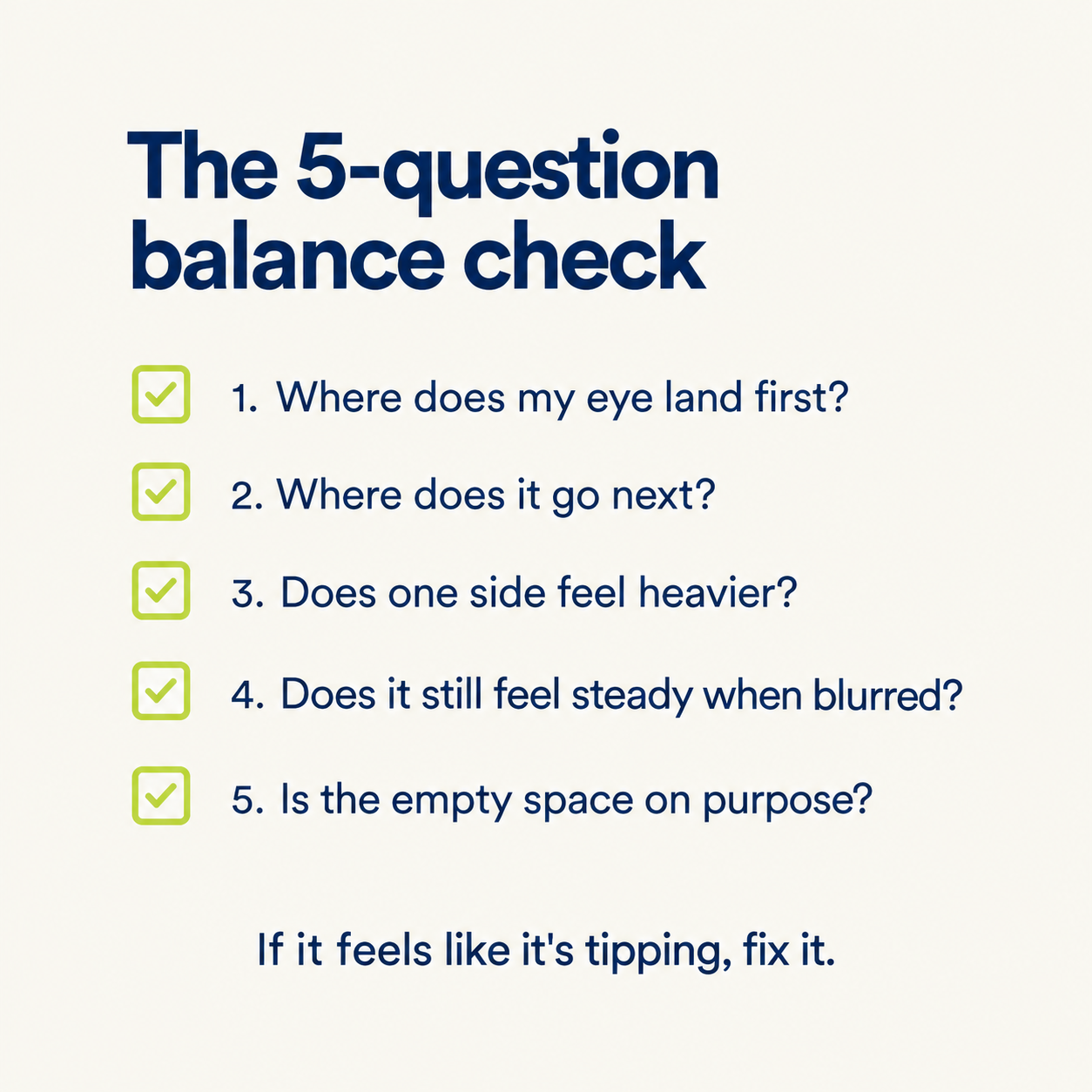
Before you hit publish, ask yourself:
Where does my eye land first?
Where does it go next?
Does either side feel heavier than the other?
If I blur it, does it still feel steady?
Is the empty space there on purpose?
If you can answer all five, you’re good.
The Takeaway
Balance doesn’t mean everything has to match. It means the weight feels even.
So skip the dead center, give your layout some room, make one thing big and one thing bright, and check that nothing’s tipping over. Do that, and your graphics will start to look more intentional almost immediately.
The tricky part is doing this every time you post. Building a good off-center layout in a general design tool like Canva takes a few tries, and that’s time most people don’t have for a LinkedIn post. That’s what Visly is for. You describe your idea in a sentence, and it builds a polished, on-brand graphic in under 60 seconds, with layout decisions like this already handled.